
Best Stream Deck for DaVinci Resolve and Premiere Pro on Mac (2026)
Speed Editor, MX Creative Console, TourBox, and Stream Deck compared for Resolve and Premiere on Mac, with prices checked Oct 2026 and a free iPhone option.
If you cut in Resolve and don't own Resolve Studio yet, buy the Speed Editor: the Studio license comes in the box. If you live in Premiere Pro, Logitech's MX Creative Console has first-party Adobe support. If you mostly scrub and nudge, a TourBox's dials beat any grid of keys. If you want keys and dials together, an Elgato Stream Deck + covers both apps through shortcuts.
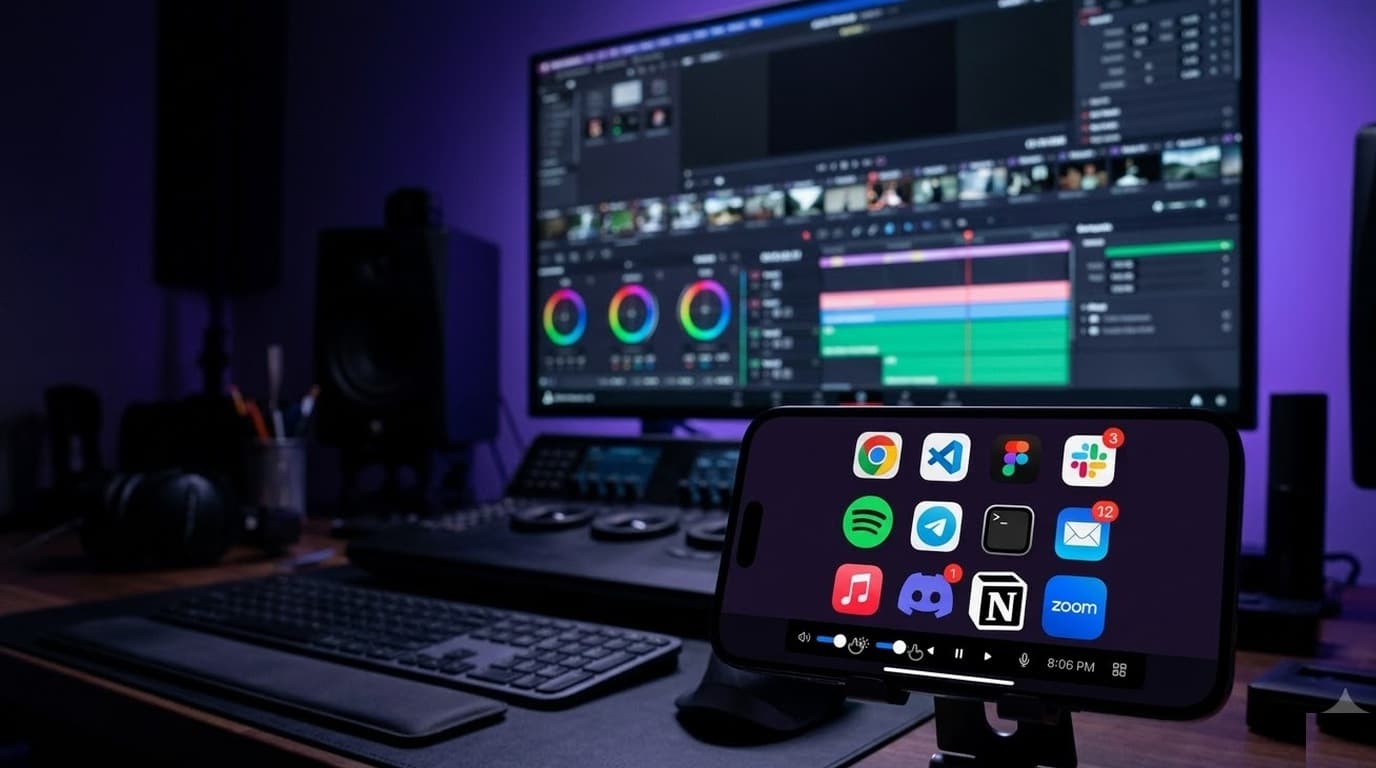
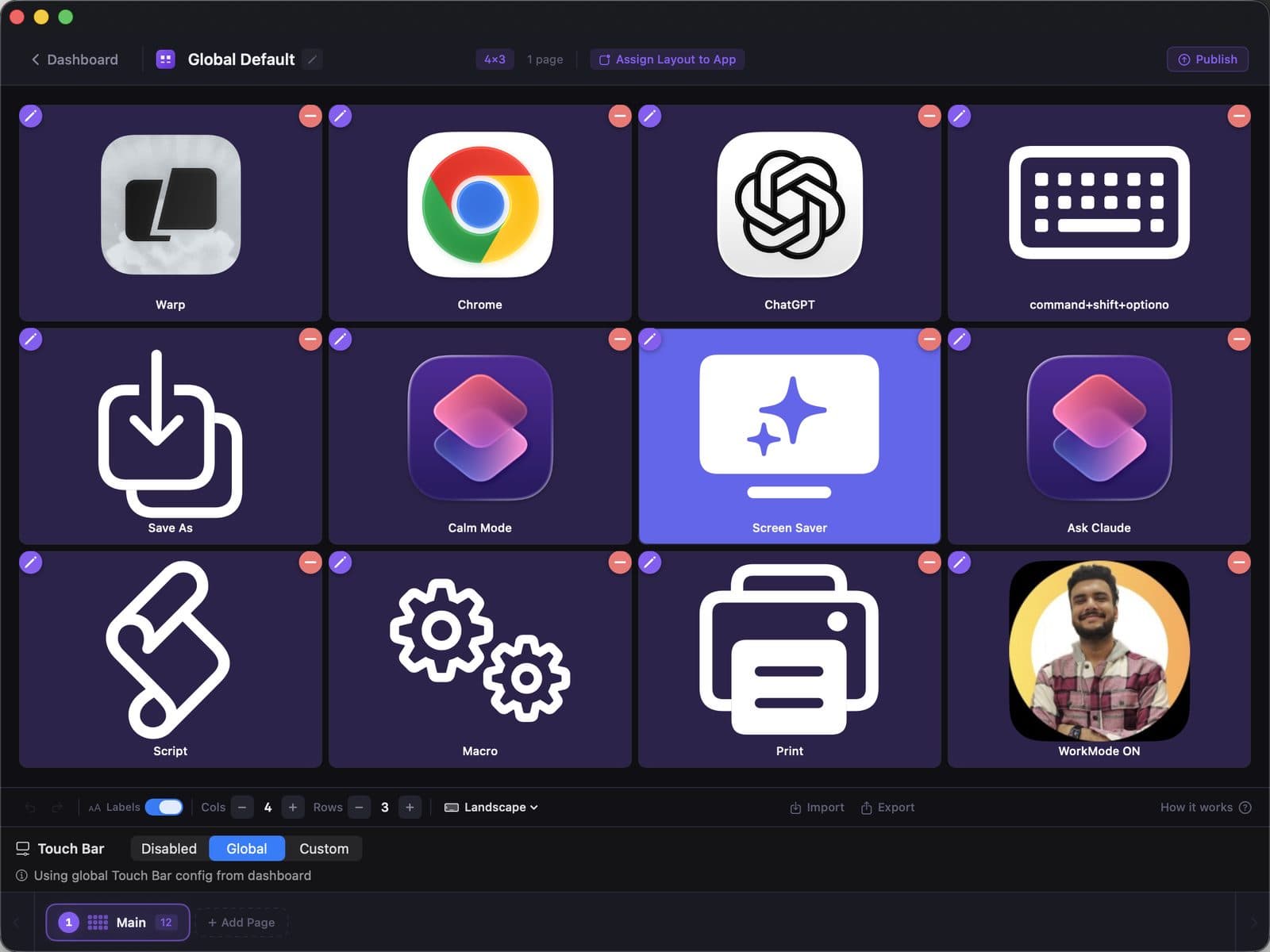
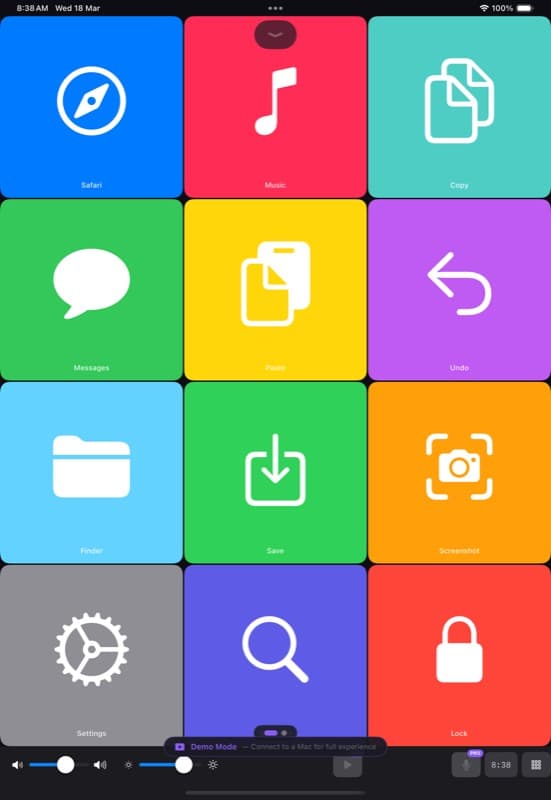
If you'd rather not buy anything yet, put DeckPilot on the iPhone or iPad you own. It has DaVinci Resolve and Premiere Pro templates and, on Pro, switches decks when you switch apps. You give up physical dials.
We make DeckPilot. Most of this page is about hardware anyway, because plenty of editors should buy some.
Quick picks
Prices are US list or the vendor's own store, checked October 31, 2026. Retail prices move; check before you buy.
| Pick | Best for | Price | Works with |
|---|---|---|---|
| Blackmagic Speed Editor | Resolve editors, especially without a Studio license | Bundled with Resolve Studio; about $395 to $435 depending on seller (Studio alone is $295) | Resolve only |
| Logitech MX Creative Console | Premiere Pro and other Adobe apps | $199.99 at launch | Premiere, Photoshop, Lightroom, Resolve, more |
| TourBox Elite / Elite Plus | One-handed scrubbing and nudging | $269 / $297 (TourBox store) | Resolve, Premiere, most editors via presets |
| Elgato Stream Deck + | Keys plus four dials, both apps | About $180 to $200 | Shortcuts and plugins in both apps |
| Elgato Stream Deck MK.2 | 15 keys, no dials | $149.99 | Shortcuts in both apps |
| DeckPilot on iPhone or iPad | Editors who don't want to buy hardware yet | Free / $7.99/mo, $39/yr, or $79 lifetime | Templates for Resolve and Premiere; any shortcut |
For DaVinci Resolve
Blackmagic Speed Editor
Blackmagic sells the Speed Editor with a DaVinci Resolve Studio license included. Studio alone is $295, so if you were going to buy Studio anyway, the keyboard costs you around $100 to $140 more. That math is why it's the default pick for Resolve editors on the free version.
It has a large search dial for scrubbing and trimming, and dedicated keys for the Cut page's edit modes. It's built for the Cut page first.
Catch: Resolve only. It does nothing in Premiere, Final Cut, or anything else. If you cut in two NLEs, it covers half your week.
Elgato Stream Deck + and Stream Deck XL
The Stream Deck + adds four push dials and a touch strip under 8 LCD keys. In Resolve, the dials are handy for volume, zoom, and nudging. The XL ($249.99, 32 keys) gives you more keys and no dials. Both work through keyboard shortcuts and Elgato's plugins, so they also work in Premiere, which the Speed Editor can't.
Catch: You set them up yourself, and a dial mapped to keyboard shortcuts doesn't feel as smooth as the Speed Editor's jog wheel.
DeckPilot's Resolve template
DeckPilot's Resolve template has 26 buttons over 4 pages of editing shortcuts. On the free tier you get one page of 8 buttons per deck; Pro opens all four pages and removes the cap. You can edit or add any button, since every Resolve keyboard shortcut works.
Catch: No dial. You can step frames and jump clips with buttons, but you can't spin a wheel to scrub.
For Premiere Pro
Logitech MX Creative Console
The MX Creative Console is a 9-key LCD keypad plus a separate dial pad. Logitech ships first-party plugins for Adobe apps, so Premiere actions show up ready to use, and the dial can move along the timeline. It launched at $199.99 with a 3-month Creative Cloud trial bundled. Logitech has since added Resolve and Final Cut support.
Catch: 9 keys per page is tight, and you page through a lot.
TourBox Elite and Elite Plus
TourBox is a one-handed controller with a knob, a scroll wheel, a dial, and buttons. Editors like it for scrubbing, zooming the timeline, and nudging clips without looking. The Elite is $269; the Elite Plus is $297 on TourBox's store and adds iPad and Android support. It works in Premiere and Resolve through presets.
Catch: None of the buttons are labeled. You learn them by feel, which takes a week or two. More on that in our TourBox comparison.
DeckPilot's Premiere template
The Premiere Pro template has 22 buttons over 4 pages. Same deal as Resolve: 8 buttons per deck on free, all pages on Pro, and you can add any Premiere shortcut.
Catch: No dials, and buttons don't read back what Premiere is doing. A button sends a shortcut; it doesn't know which panel has focus.
If you use both
Most hardware guides skip this one. Client work in Premiere, your own work in Resolve, same desk.
- Speed Editor only helps on the Resolve side.
- Stream Deck and MX Creative Console both support per-app profiles, so one device can carry a Resolve layout and a Premiere layout.
- DeckPilot Pro switches the whole deck when the front Mac app changes, using App-Aware decks. Bring Resolve forward, get the Resolve deck. Switch to Premiere, get the Premiere deck. On the free tier you switch decks by hand, and decks are unlimited.
A combo that works: a TourBox or Speed Editor in your left hand for scrubbing, and DeckPilot on an iPad for the long tail of labeled shortcuts. More options for Mac editors on our video editors page, and if you also cut in Final Cut, see best Stream Deck for Final Cut Pro.
What a phone deck can't do
- No dials or jog wheel. Scrubbing, trimming by feel, and color wheel nudges are what dials are for. A touch screen is a poor substitute.
- No real key travel. DeckPilot plays a click and a haptic on each tap, but it's still glass. You'll look at it.
- No feedback from the app. Buttons trigger shortcuts. They don't show the playhead, the current page, or a grade value.
If those three matter every hour, buy hardware. If you mostly want labeled shortcuts you'd otherwise forget, a phone or iPad does the job.
Price table
US list or vendor store prices, checked October 31, 2026. DeckPilot pricing is US list; local pricing may vary.
| Device | Price | Dials | Keys | NLEs |
|---|---|---|---|---|
| Blackmagic Speed Editor (with Resolve Studio) | About $395 to $435 | Search dial | Dedicated edit keys | Resolve |
| Logitech MX Creative Console | $199.99 at launch | 1 dial + roller | 9 LCD keys | Premiere, Resolve, others |
| TourBox Elite | $269 | Knob, scroll, dial | Unlabeled buttons | Most, via presets |
| TourBox Elite Plus | $297 | Knob, scroll, dial | Unlabeled buttons | Most, via presets |
| Elgato Stream Deck + | About $180 to $200 | 4 dials + touch strip | 8 LCD keys | Both, via shortcuts/plugins |
| Elgato Stream Deck MK.2 | $149.99 | None | 15 LCD keys | Both, via shortcuts/plugins |
| DeckPilot (iPhone/iPad) | Free / $7.99/mo, $39/yr, or $79 lifetime | None | 8 per deck free, no cap on Pro | Any, via shortcuts |
Ready to try the free route? Download DeckPilot or see the pricing page. DeckPilot needs macOS 14+ and iOS or iPadOS 17+.
Frequently asked questions
What's the best controller for DaVinci Resolve on Mac? For most Resolve editors, the Speed Editor. It comes with a DaVinci Resolve Studio license, which costs $295 on its own, so the keyboard is close to free if you need Studio. It only works with Resolve.
What's the best controller for Premiere Pro on Mac? Logitech's MX Creative Console ($199.99 at launch) has first-party Premiere support. Elgato's Stream Deck + adds four dials but relies on shortcuts and plugins you set up yourself. TourBox is the pick if scrubbing by feel matters most.
Can I use my iPhone or iPad instead of a controller? Yes. DeckPilot has Resolve and Premiere templates and, on Pro, switches decks with the front app. It has no dials. The free tier is 8 buttons per deck with unlimited decks; Pro is $7.99/month, $39/year, or $79 lifetime (US list prices; local price may vary with purchasing-power pricing.) It needs macOS 14+ and iOS or iPadOS 17+.
Does the Speed Editor work with Premiere Pro? No. It's built for DaVinci Resolve and doesn't control Premiere. If you cut in both, pair it with something that does, or pick a device with per-app profiles.
Is a Stream Deck good for video editing? For shortcuts, yes. A Stream Deck MK.2 or XL fires any Resolve or Premiere shortcut. For scrubbing and trimming, you want a dial, which is why editors pick the Stream Deck +, a TourBox, or a Speed Editor.