
Stream Deck or iPhone App? How to Choose on a Mac (2026)
Physical keys or the phone you already own? A 30-second test, a 3-year cost table, and the Mac setups where each one wins.
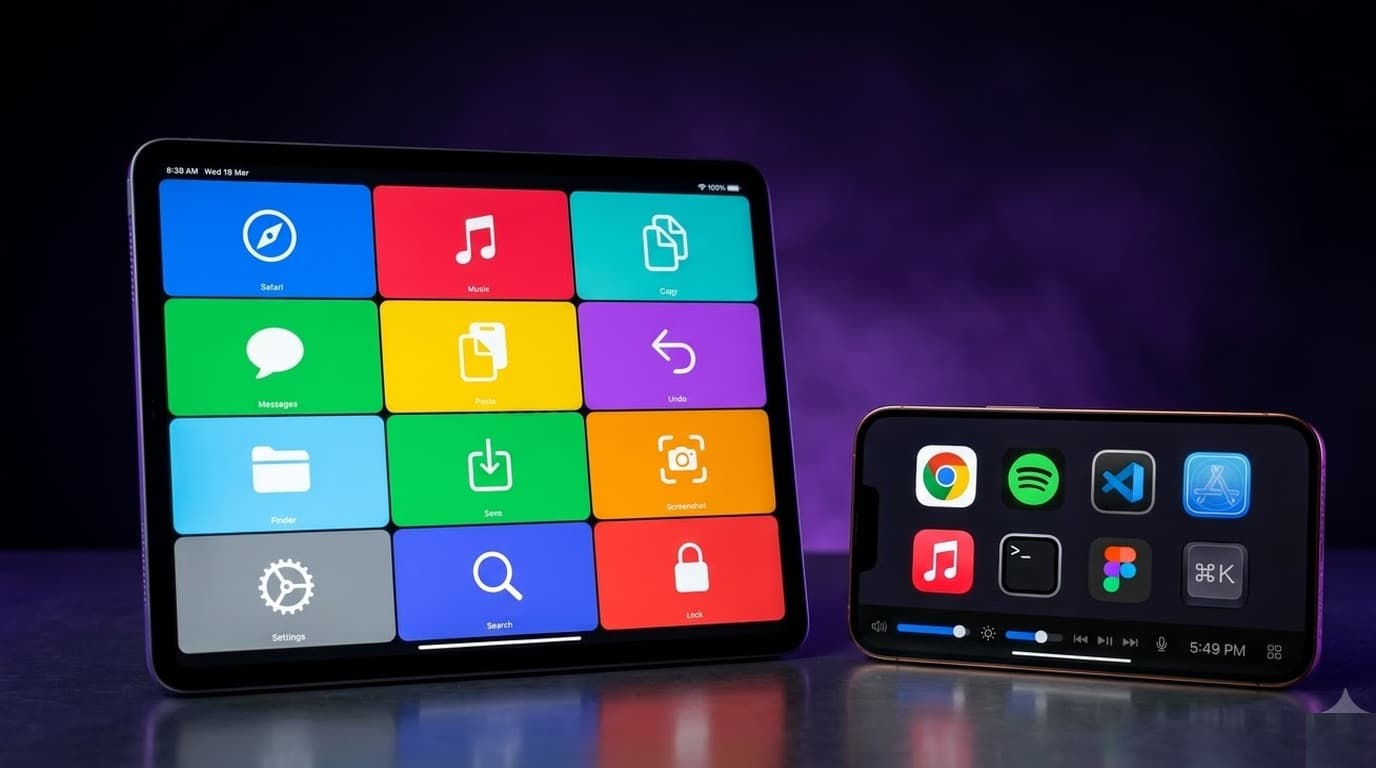
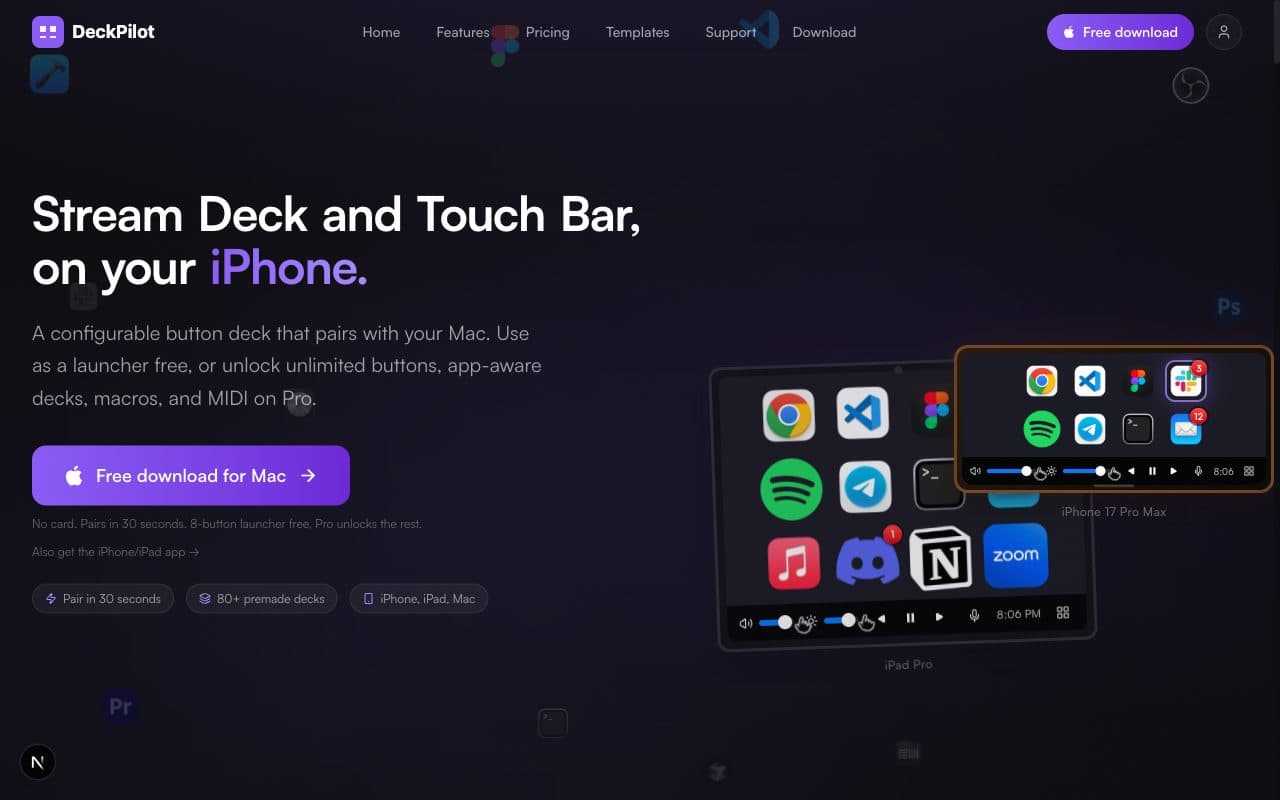
Start with the iPhone or iPad you already own. A phone deck app runs the same shortcuts, app launches, and macros as a Stream Deck, costs nothing to try, and gives you more buttons than the hardware. Buy a physical Stream Deck when you stream live, need Elgato's OBS and lighting plugins, or want keys you can hit without looking.
Prices as of October 2026 (US): Elgato's Stream Deck Mini is $59.99, the 15-key MK.2 is $149.99, and the XL is $249.99. Elgato's Stream Deck Mobile app is free for 6 keys. DeckPilot, a Mac-native phone deck, is free for 8 buttons per deck; Pro is $7.99/month, $39/year, or $79 lifetime (US list prices; local price may vary with purchasing-power pricing.)
Try this: use a phone app for a week and note which buttons you press. If it's a handful of keys you use blind all day, buy a Mini or MK.2. If it's dozens of buttons that change with each app, stay on the phone, or put an old iPad on a stand as a dedicated deck.
We make DeckPilot, so weigh our take accordingly. Below are the cases where you should buy Elgato hardware instead.
The 30-second test
Tap through five questions. The score updates as you go. (If the interactive test doesn't load, three or more Hardware answers means buy keys; three or more Phone answers means start on the phone.)
- 1. Do you go live on Twitch, YouTube, or OBS?
- 2. Do you press buttons without looking, mid-task?
- 3. Can your phone sit on the desk all day and not be your phone?
- 4. Do you want the buttons to change with the app you're in?
- 5. Is your budget under $60?
0 of 5 answered
What hardware does better
Physical keys and muscle memory
A key you can feel is a key you can hit while your eyes are on the timeline, the game, or the person on the call. Glass needs a glance. After a few weeks on an MK.2, your hand finds "scene 2" on its own. A phone screen never gets you there, haptics or not.
Elgato plugins for OBS, Twitch, and lights
Elgato's Marketplace has deep plugins for OBS, Twitch chat, Elgato Key Lights, Wave Link audio, and more. Many show live state on the key itself. If you stream, that ecosystem is the reason to buy. Our OBS deck guide covers where a phone deck holds up and where it doesn't.
Always on, no battery, no notifications
A Stream Deck is plugged into USB and does one job. It never rings, never shows a text from your mom mid-stream, and never dies at 4% because you forgot to charge it. On a desk you sit at eight hours a day, that matters.
What an iPhone or iPad app does better
You already own it
A phone deck costs $0 to start. No shipping, no USB port, no desk space. If you have an old iPhone or iPad in a drawer, it can live on a stand as a dedicated deck, which fixes the "my phone is also my phone" problem. See how to use an iPad as a Stream Deck and how to turn your iPhone into one.
More buttons and pages
A Mini has 6 keys, an MK.2 has 15, an XL has 32. Elgato's own Stream Deck Mobile Pro goes up to 64. DeckPilot's free tier is 8 buttons per deck with unlimited decks, and Pro removes the button cap. For apps with long shortcut lists, like Final Cut, Logic, or Xcode, that matters more than key feel.
Mac-native extras
A Mac-only app can reach further into macOS. DeckPilot has:
- App-Aware decks (Pro): the deck switches when the front Mac app changes. Open Xcode, get your Xcode buttons. Switch to Final Cut, get Final Cut buttons.
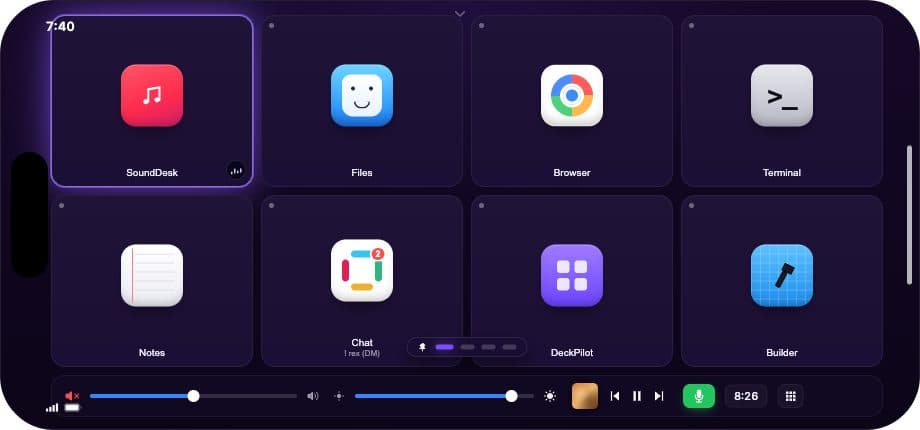
- A virtual Touch Bar strip with volume and brightness sliders on the free tier.
- A Notch pill and a command palette on the Mac itself (Pro).
Elgato can switch profiles per app too, with Smart Profiles. The difference is mostly how much of macOS each app reaches into.
Goes with you
A laptop on the couch, a second Mac at the office, a hotel desk. The deck is in your pocket. Hardware stays where you plugged it in.
Cost over one and three years
US list prices, checked October 31, 2026. Elgato hardware prices are Elgato's US list; Mobile Pro prices are from the US App Store listing. Local pricing varies.
| Option | Up front | Year 1 | Year 3 | Keys |
|---|---|---|---|---|
| Stream Deck Mini | $59.99 | $59.99 | $59.99 | 6 |
| Stream Deck MK.2 | $149.99 | $149.99 | $149.99 | 15 |
| Stream Deck XL | $249.99 | $249.99 | $249.99 | 32 |
| Stream Deck Mobile (free) | $0 | $0 | $0 | 6 |
| Stream Deck Mobile Pro | $2.99/mo, $24.99/yr, or $49.99 lifetime | $24.99 (yearly) | $74.97 yearly, or $49.99 lifetime | up to 64 |
| DeckPilot Free | $0 | $0 | $0 | 8 per deck, unlimited decks |
| DeckPilot Pro | $7.99/mo, $39/yr, or $79 lifetime | $39 (yearly) | $117 yearly, or $79 once | no cap |
Two things the table doesn't show. Hardware assumes you already own a Mac with a free USB port. Phone decks assume your phone is free to sit on the desk, or that you have a spare one. If you'd buy a stand or a used iPad for it, add that in.
Phone app options for Mac, briefly
- Elgato Stream Deck Mobile. Best if you already own Stream Deck hardware or want Elgato's plugins on a phone. 6 keys free. Runs through Elgato's Stream Deck app on the Mac. How it compares.
- DeckPilot. Best if you're on a Mac and want the deck to follow your apps, with an iPad layout and a Touch Bar strip. iPhone and iPad only, macOS 14+ and iOS 17+.
- Touch Portal. Best if you need Windows and Android too. Free tier is limited to 2 pages. How it compares.
The full list, including hardware, is in our Stream Deck alternatives roundup. If you only care about free options, see best free iPhone Stream Deck apps for Mac.
Try the phone first, then decide
- Install a phone deck tonight. It's free.
- Use it for a week. Put the buttons you think you need on it.
- At the end of the week, look at what you actually pressed.
If it's 4 to 6 keys you hit without looking, all day, buy a Mini or MK.2 and put those keys on it. Keep the phone for everything else. Both can run on the same Mac.
If it's 20 buttons that change per app, hardware won't fix that. Stay on the phone, or give an old iPad a permanent spot on a stand.
Picks by job
- Streamer: Stream Deck MK.2 or XL. The OBS and Twitch plugins are the reason. A phone deck works as a second surface. OBS guide.
- Developer: Phone deck. Your buttons change per app (Xcode, terminal, browser), and you look at the screen anyway. Developer guide.
- Video editor: Phone deck for shortcuts, plus a dial or jog wheel if you scrub a lot. Resolve and Premiere guide.
- Lots of meetings: Either. Four buttons (mute, camera, share, leave) fit on a Mini or a free phone deck. Meetings guide.
Not sure what a Stream Deck even is? Start with what is a Stream Deck. Ready to try the phone route? Download DeckPilot or compare plans on the pricing page.
Frequently asked questions
Should I buy a Stream Deck or use my iPhone? Start with your iPhone unless you stream live or need keys you can hit without looking. A phone deck runs the same shortcuts and app launches, costs nothing to try, and shows you which buttons you really use before you spend $60 to $250 on hardware.
Is Stream Deck Mobile as good as the hardware? For triggering actions, mostly yes: it runs the same Elgato plugins. What you lose is the physical key, the always-on USB connection, and having a device that isn't also your phone. The free version is 6 keys; Pro goes up to 64.
How much does each option cost over a year? Over three? Hardware is a one-time cost: $59.99 (Mini), $149.99 (MK.2), or $249.99 (XL) at Elgato's US list. Stream Deck Mobile Pro is $24.99 a year or $49.99 lifetime. DeckPilot is free for 8 buttons per deck, and Pro is $7.99/month, $39/year, or $79 lifetime (US list prices; local price may vary with purchasing-power pricing.)
Can I use an old iPhone or iPad as a dedicated deck? Yes, and it's the best version of the phone route. Put it on a stand, keep it on a charger, and it never rings. DeckPilot needs iOS or iPadOS 17 or later; Stream Deck Mobile also needs iOS 17 or later.
Does a phone deck add lag or drain the battery? Over Wi-Fi there's a small network hop; over USB it's lower. We haven't published a measured number, so test it on your own setup. Battery: a screen that stays on uses power, so keep the phone on a charger if it's your all-day deck.
Can I use hardware and an iPhone deck on the same Mac? Yes. They don't conflict. A common setup is a Mini for the 6 keys you hit blind and a phone or iPad for everything that changes per app.
Which works better for streaming, coding, or video editing? Streaming: hardware, for Elgato's OBS and Twitch plugins. Coding: a phone deck, because your buttons change per app. Video editing: a phone deck for shortcuts, plus a dial or jog wheel if you scrub all day.