
Best TourBox Alternatives for Mac and iPad (2026)
Looking for a TourBox alternative? Compare a labeled iPhone or iPad deck, cheaper TourBox models, Stream Deck, and the MX Creative Console. Only Elite Plus supports iPad.
TourBox is a one-handed creative controller with a knob, a scroll wheel, and a set of unlabeled buttons. Photo and video editors like it because you can scrub or nudge a slider without looking down. The catch is the price, the muscle memory, and the iPad story: on TourBox's own lineup, only Elite Plus talks to iPad.
We make DeckPilot, so read this with that in mind. If you want labeled buttons on an iPhone or iPad you already own, start there. If you grade or scrub by feel all day, a physical dial still wins, and you should keep a TourBox or look at the Logitech MX Creative Console.
The short answer
- You want labeled buttons on a Mac, no new hardware: DeckPilot. Free for 8 buttons per deck on the iPhone or iPad you already own.
- You want iPad support from TourBox itself: Elite Plus is the model that does it. Lite, Neo, and Elite stay on Mac and Windows.
- You want physical dials and you are buying new: MX Creative Console, $199.99 US on logitech.com as of 8 November 2026, or keep shopping TourBox.
- You want LCD keys you can read: an Elgato Stream Deck, not a TourBox.
- You want a cheaper TourBox: Lite or Neo, if you can live without wireless and without iPad.
For a direct DeckPilot vs TourBox head-to-head, see the TourBox comparison.
Quick comparison
List prices below match what we use on the TourBox compare page: Lite $99, Neo $169, Elite $269, Elite Plus $297. On TourBox's US store on 10 November 2026, Elite Plus showed $297 (on sale $252), Neo $169 (on sale $135), and Lite $94.99 (on sale $85.49). Sale prices move around.
| Option | Type | iPad? | Labels | Dials | Price (US list) | Best for |
|---|---|---|---|---|---|---|
| DeckPilot | iPhone / iPad app for Mac | Yes (the iPad is the deck) | Yes | On-screen sliders | Free / $7.99/mo, $39/yr, or $79 lifetime | Editors who want named buttons without buying a controller |
| TourBox Elite Plus | Hardware | Yes (Bluetooth) | No | Yes | $297 list | People who want the TourBox feel on iPad and Mac |
| TourBox Elite | Hardware | No | No | Yes | $269 | Wireless TourBox on Mac or Windows only |
| TourBox Neo | Hardware | No | No | Yes | $169 | Desk use, wired, lower cost |
| TourBox Lite | Hardware | No | No | Yes | $99 | Trying the form factor on a budget |
| Logitech MX Creative Console | Hardware | No | LCD keys | Yes (dialpad) | $199.99 (logitech.com, 8 Nov 2026) | New console with a real dial and labeled keys |
| Elgato Stream Deck MK.2 | Hardware | No | LCD keys | No | about $149 | Shortcut keys you can read, no precision wheel |
1. DeckPilot
Type: Native Mac app plus iPhone or iPad client Price: Free, with optional Pro at $7.99/month, $39/year, or $79 lifetime (US list prices; local price may vary with purchasing-power pricing.) iPad: Yes. The iPad (or iPhone) is the control surface.
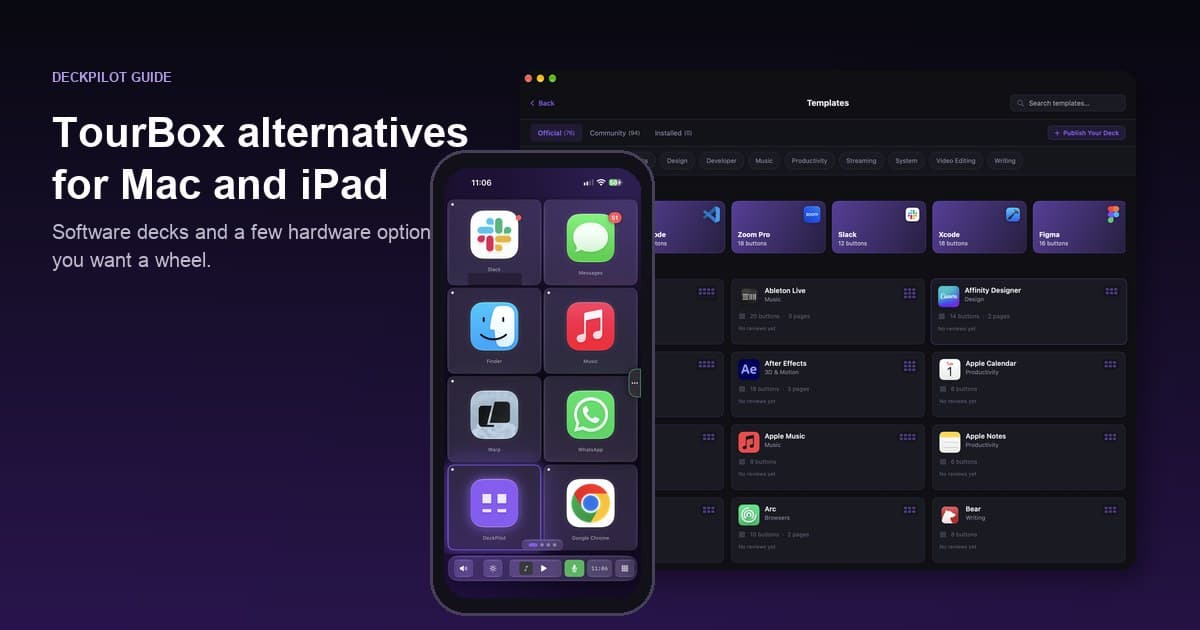
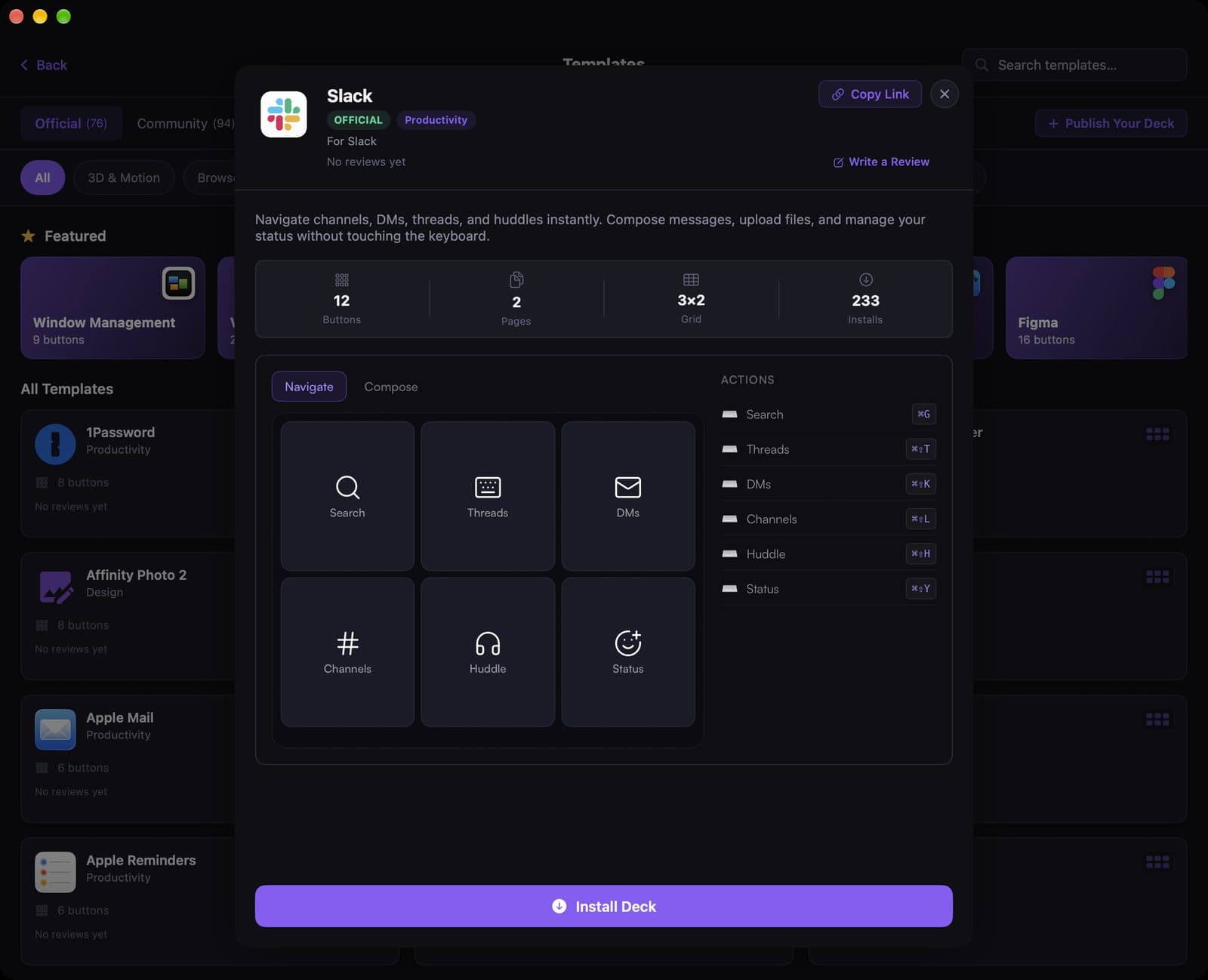
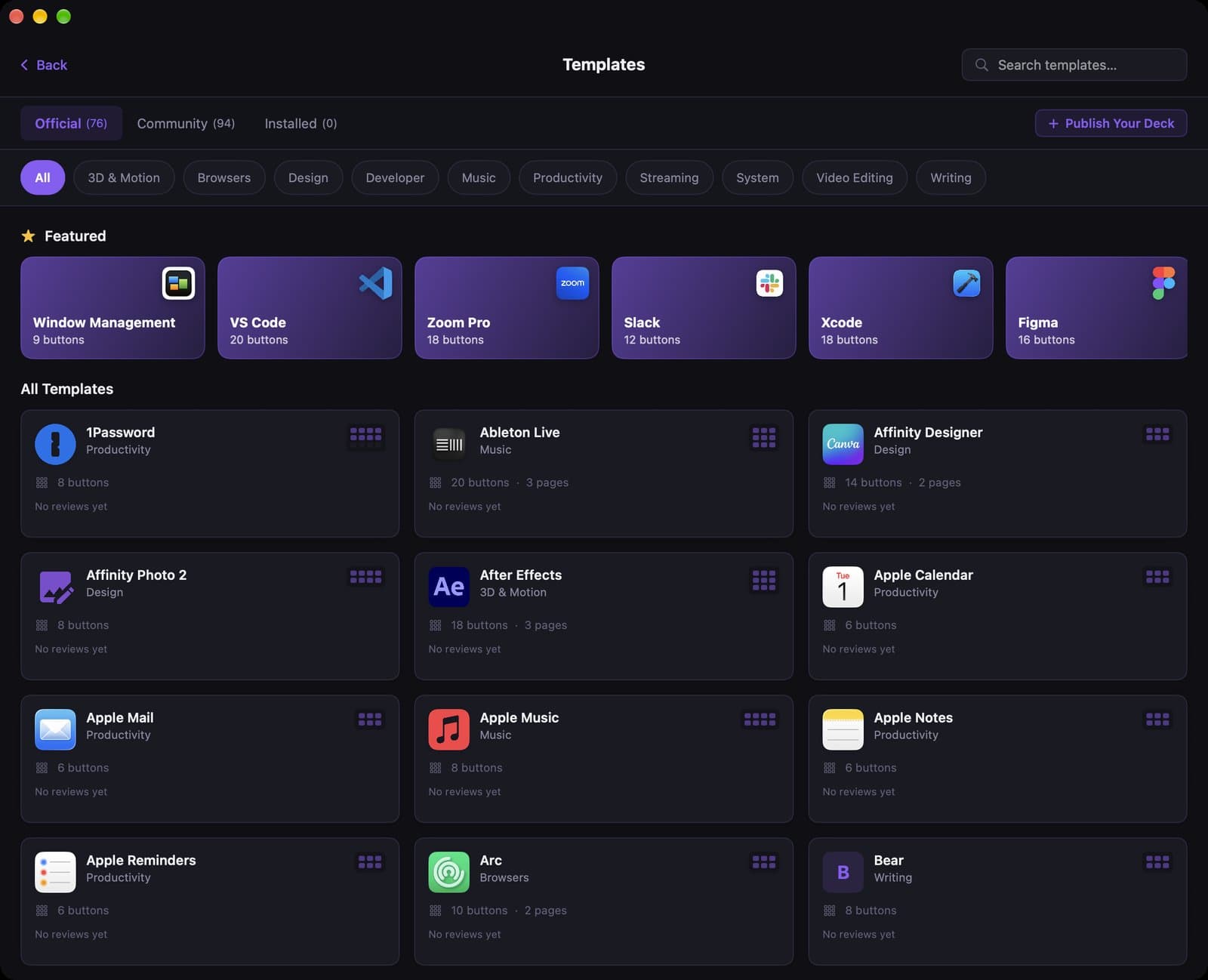
DeckPilot puts a grid of named, icon-labeled buttons on the phone or tablet you already own and fires Mac keyboard shortcuts, apps, and other actions over Wi-Fi or USB. Template packs exist for Photoshop, Lightroom, Final Cut Pro, DaVinci Resolve, and dozens of other Mac apps. On Pro, the deck can follow whichever Mac app is in front.
That is the opposite of TourBox's bet. TourBox asks you to memorize blank keys and rewards you with a physical knob and scroll wheel. DeckPilot shows you what each button does, and it has no knob.
Strengths:
- Free to try, no extra hardware
- Buttons have names and icons
- Works on iPhone and iPad, including as a dedicated iPad deck
- Template packs instead of building every shortcut from scratch
- App-aware decks on Pro
Weaknesses:
- No physical dial, scroll wheel, or haptic knob
- iPhone and iPad only on the client side (no Android)
- The screen needs to stay awake, so a spare device on a charger works better than your daily driver
Verdict: This is the TourBox alternative to try first if your work is mostly shortcuts, tool switches, and preset taps. If you live on a scroll wheel for scrubbing or brush size, keep the TourBox, or run both.
2. A cheaper TourBox (Lite or Neo)
People searching for a "TourBox dupe" or a cheap alternative often mean a cheaper TourBox, not a different product.
Neo is the wired desk model most people recommend if they do not need Bluetooth. Elite adds wireless and haptics for Mac and Windows. Elite Plus is Elite plus iPad and Android tablet support, dual-device Bluetooth, and a higher price.
Lite exists if you want the shape for less money. It will not give you iPad control. TourBox's own product pages say only Elite Plus supports iPadOS.
Verdict: Step down a model if you like the TourBox and you only work on a Mac. Do not buy Elite Plus for iPad and then discover you never use the tablet with it. That regret shows up a lot when people compare Elite and Elite Plus.
3. Logitech MX Creative Console
Type: Dialpad plus LCD keypad Price: $199.99 US on logitech.com as of 8 November 2026 iPad: No
After Logitech ended direct Loupedeck sales on 28 March 2025, this is the console they want new buyers to look at. You get a real dial and a keypad of LCD keys, set up through Logi Options+ on macOS 13 or later, with profiles aimed at Adobe apps.
You still buy a desk device. The keys are labeled, which is the thing TourBox refuses to do. There is no iPad client.
Verdict: The closest hardware swap if you want dials and you also want to see what each key does. Full side-by-side: DeckPilot vs MX Creative Console.
4. Elgato Stream Deck
Type: USB pad of LCD keys Price: about $149 for the 15-key MK.2; other sizes cost more or less iPad: Not as the hardware pad. Elgato's phone app is a separate product.
A Stream Deck shows an icon on every key. That solves TourBox's blank-button problem. It does not give you TourBox's precision scroll wheel unless you move up to a Stream Deck + and live with four dials that you map yourself.
Verdict: Buy this if you want tactile, labeled keys and you are fine without a sculpted left-hand wheel. See DeckPilot vs Stream Deck and the wider Stream Deck alternatives list.
5. Use the iPad itself as the deck
TourBox alternative for iPad is its own search for a reason. Elite Plus can drive supported iPad apps over Bluetooth (TourBox lists presets for things like Procreate, Clip Studio Paint, Photoshop, Lightroom, and Final Cut). Customization on iPad is narrower than on the Mac, and several owners say iPad apps without official presets feel limited.
The other path: skip controlling the iPad with a $297 device, and use the iPad to control your Mac. That is what DeckPilot does. Your pencil hand stays on the tablet or display, and the iPad (or a spare iPhone) shows labeled Mac shortcuts. Setup notes are in the iPad as a Stream Deck guide.
Verdict: Elite Plus if the iPad app you use is on TourBox's list and you want the same physical controller on tablet and Mac. DeckPilot if the Mac is doing the work and you want the iPad to be a readable shortcut surface.
6. A remapped gamepad (cheap, with caveats)
Some illustrators use a small Bluetooth gamepad, such as an 8BitDo Micro, in keyboard mode as a left-hand shortcut pad. It costs much less than any TourBox. You get extra buttons. You do not get TourBox's shaped knob and scroll wheel, and you still have to remember what each blank control does.
Verdict: Fine as a cheap experiment for a handful of shortcuts in Procreate or Clip Studio. Not a real TourBox replacement if the dial is why you wanted one.
When you should keep the TourBox
Keep it, or buy one, when your left hand lives on a wheel: scrubbing a timeline, rolling brush size, inching exposure. DeckPilot can send the same keyboard shortcuts and it has on-screen sliders, but sliders are not a knob.
A common split that works: TourBox (or MX, or a Contour Shuttle) for the analog moves, DeckPilot for the giant list of named shortcuts those devices cannot label.
How to pick
- Mac shortcuts, labeled, free to start: DeckPilot
- Same TourBox feel on an iPad: Elite Plus
- TourBox feel, Mac only, lower spend: Neo or Lite
- New hardware with a dial and LCD keys: MX Creative Console
- Labeled tactile keys, no special wheel: Stream Deck
- A few cheap remappable buttons: a gamepad, knowing what you give up
Frequently asked questions
What is the best TourBox alternative for Mac? If you want labeled buttons and you already have an iPhone or iPad, DeckPilot is the one to try first. It is free for 8 buttons per deck. If the physical scroll wheel is the point, there is not a perfect software clone; look at another TourBox model or the MX Creative Console.
Is there a TourBox Elite Plus alternative that works with iPad? Elite Plus is the TourBox that supports iPadOS. A software alternative is to use the iPad as the deck for your Mac with DeckPilot, which shows named buttons instead of blank ones. DeckPilot does not put a physical TourBox-style dial on the iPad.
Is DeckPilot a TourBox dupe? No. It copies the job (fire shortcuts while you edit) and not the object. You lose the knob, scroll wheel, and haptic dial. You gain labels, templates, and a free tier.
How much does TourBox cost compared with DeckPilot? TourBox list prices we use on the compare page are $99 (Lite), $169 (Neo), $269 (Elite), and $297 (Elite Plus). DeckPilot is free for 8 buttons per deck; Pro is $7.99/month, $39/year, or $79 lifetime (US list prices; local price may vary with purchasing-power pricing.)
Can I use DeckPilot and a TourBox together? Yes. They do not conflict. Use the TourBox for dials and the phone or iPad for everything you would rather read than memorize.