
App decks for Mac
These pages cover apps that are actually installed here and that DeckPilot can drive. Each one has a real screenshot from the Mac app — or, for WhatsApp, the live iPhone deck — plus a short recording where a template exists.
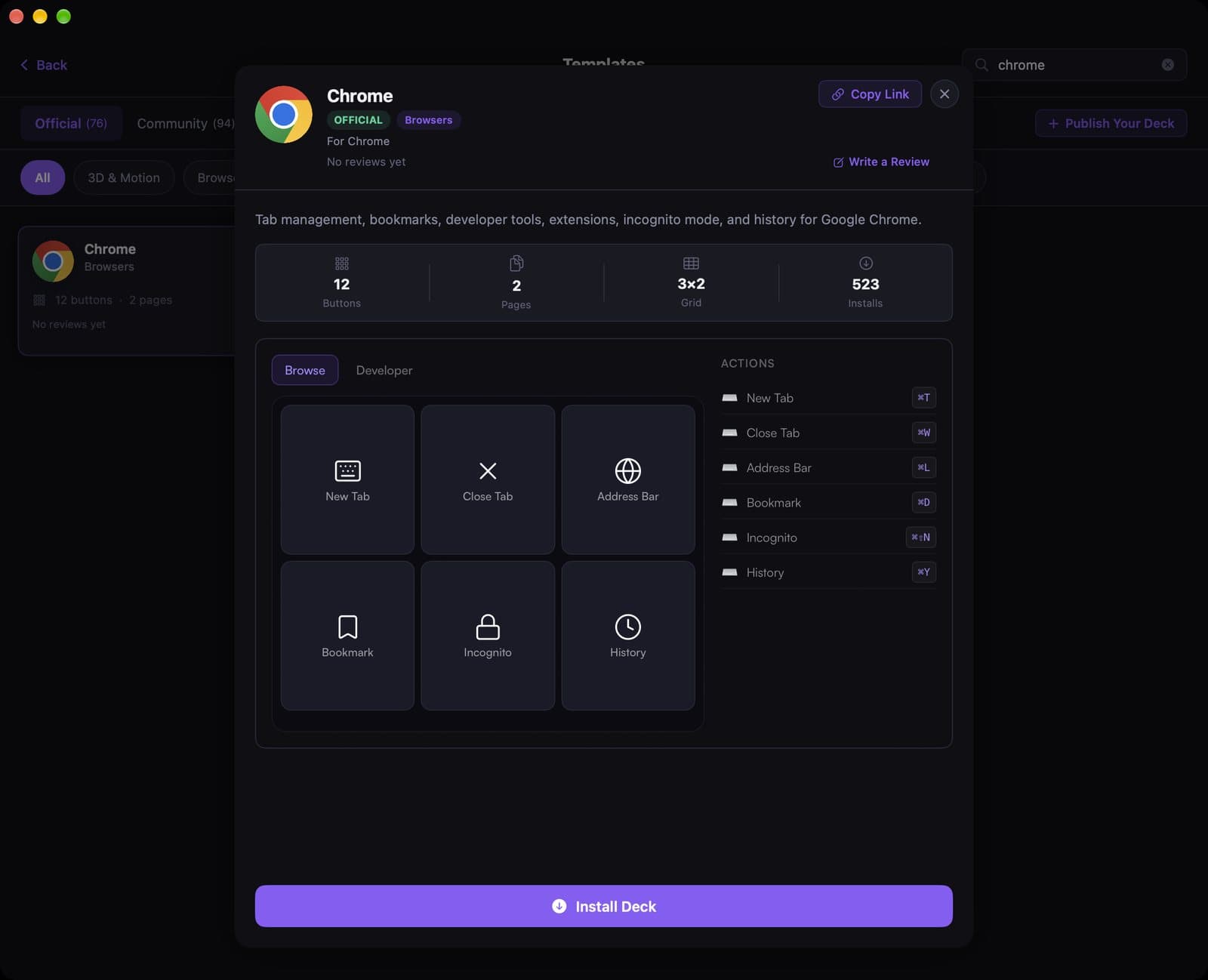
Google Chrome
The official Chrome template puts tab and window controls on a phone-sized deck, so you can stay in the page instead of hunting for ⌘T and ⌘⇧N.
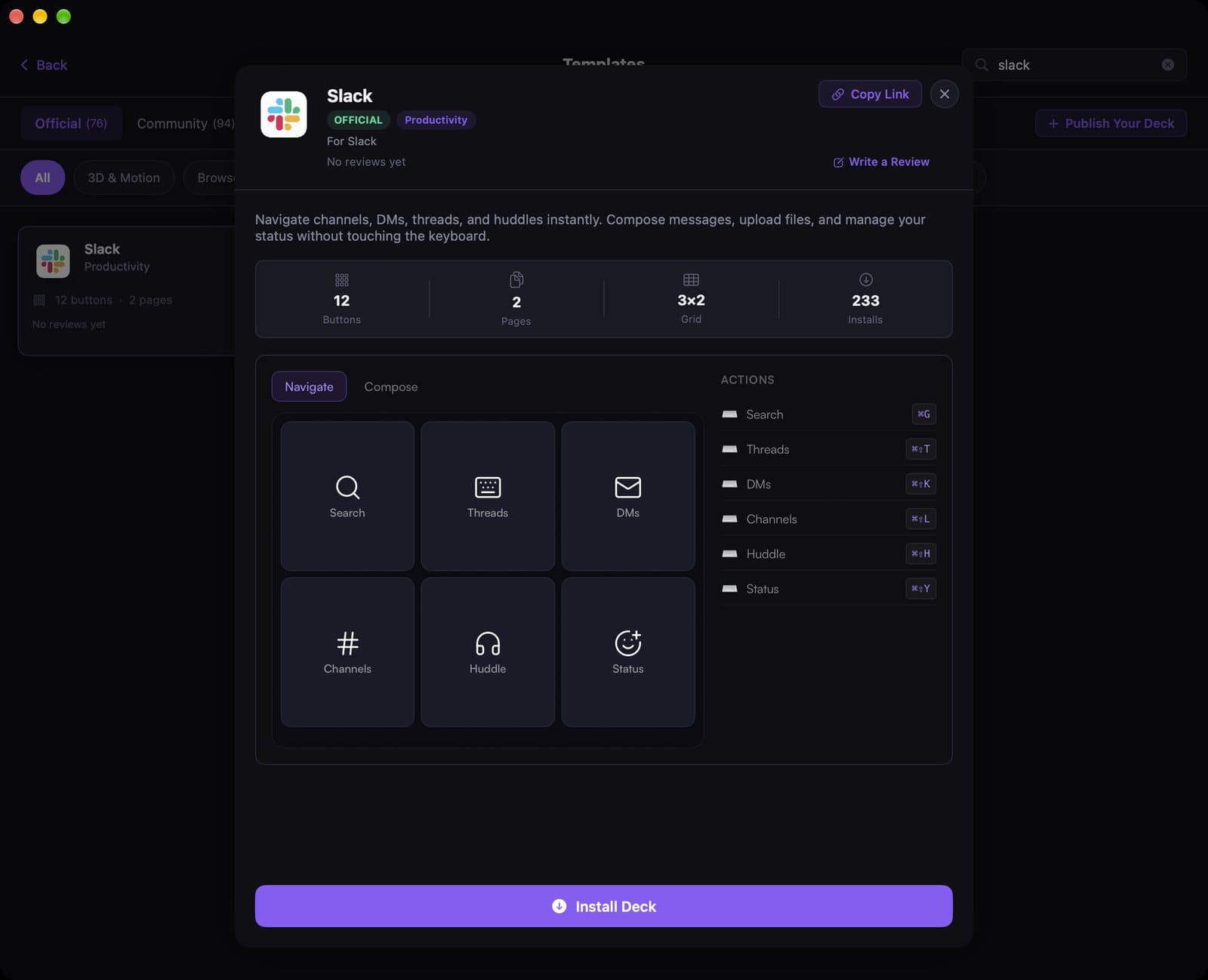
Slack
The official Slack template is for the moments you should not be tabbing through the sidebar during a huddle: search, threads, DMs, channels, and status, one tap each.
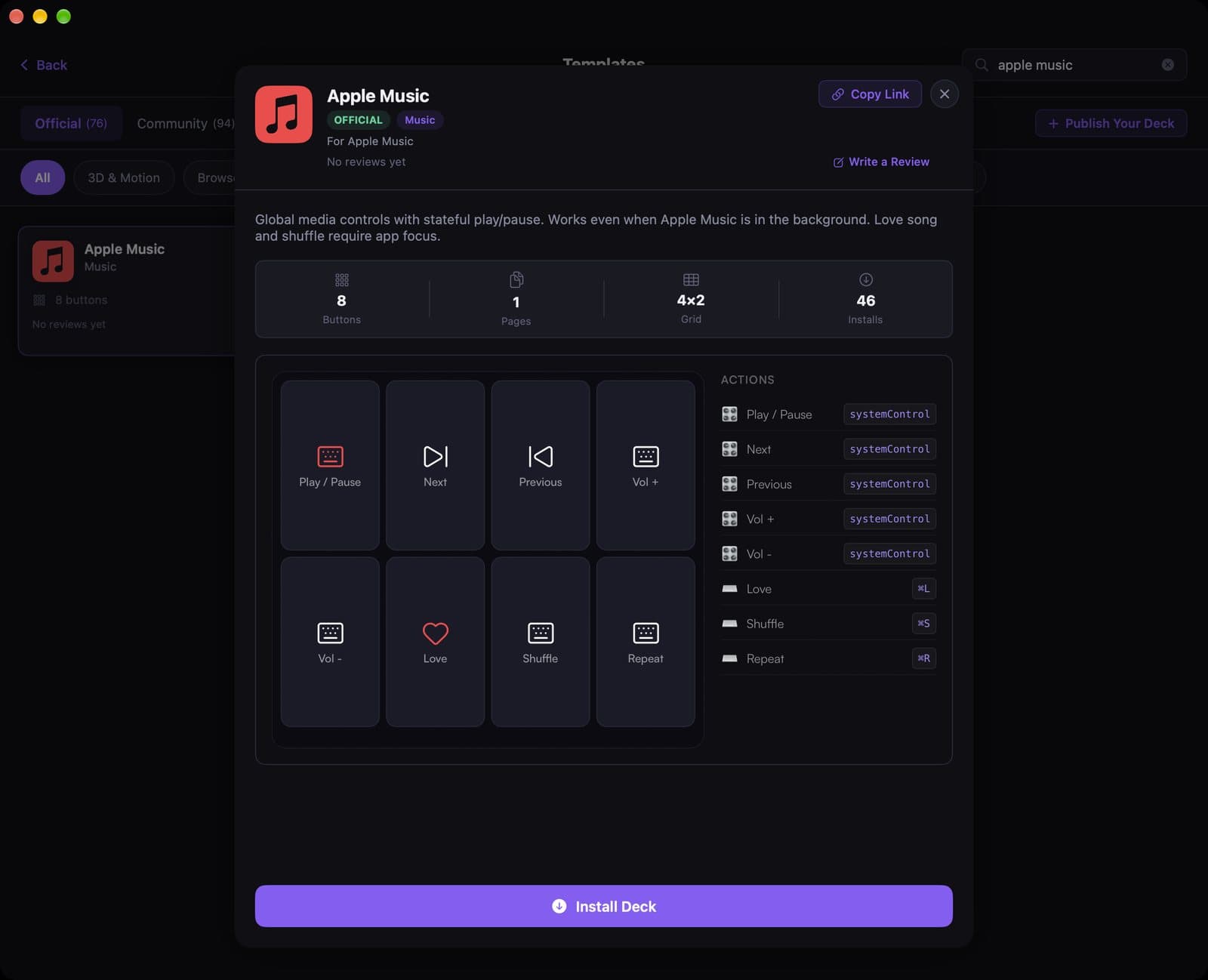
Apple Music
The official Apple Music template is eight media buttons. Play and skip keep working even when Music is in the background; Love and Shuffle need the app focused.
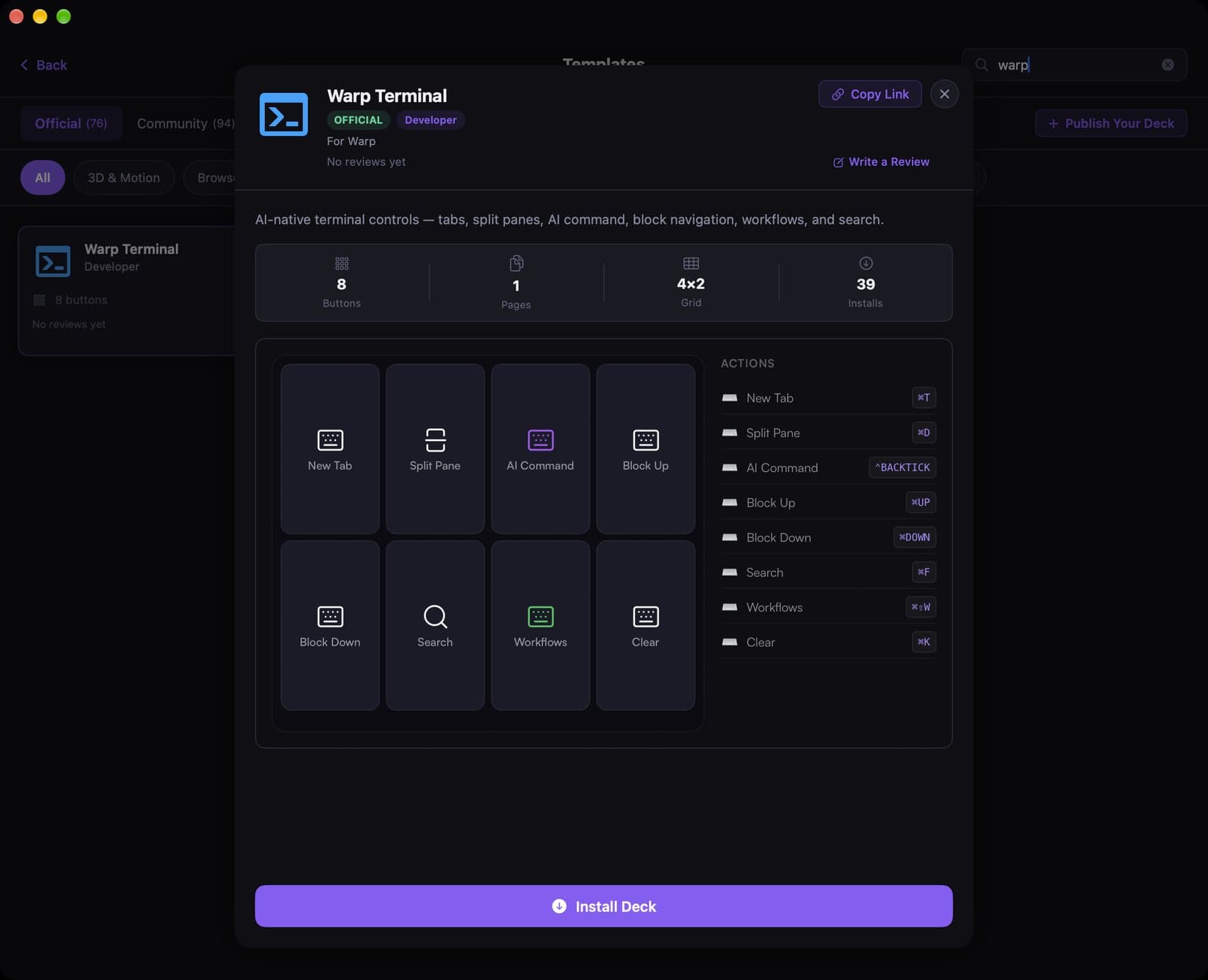
Warp
Warp already lives on the keyboard. This official eight-button template is for the commands you still reach for with a chord: split, AI command, block jump, workflows, and clear.
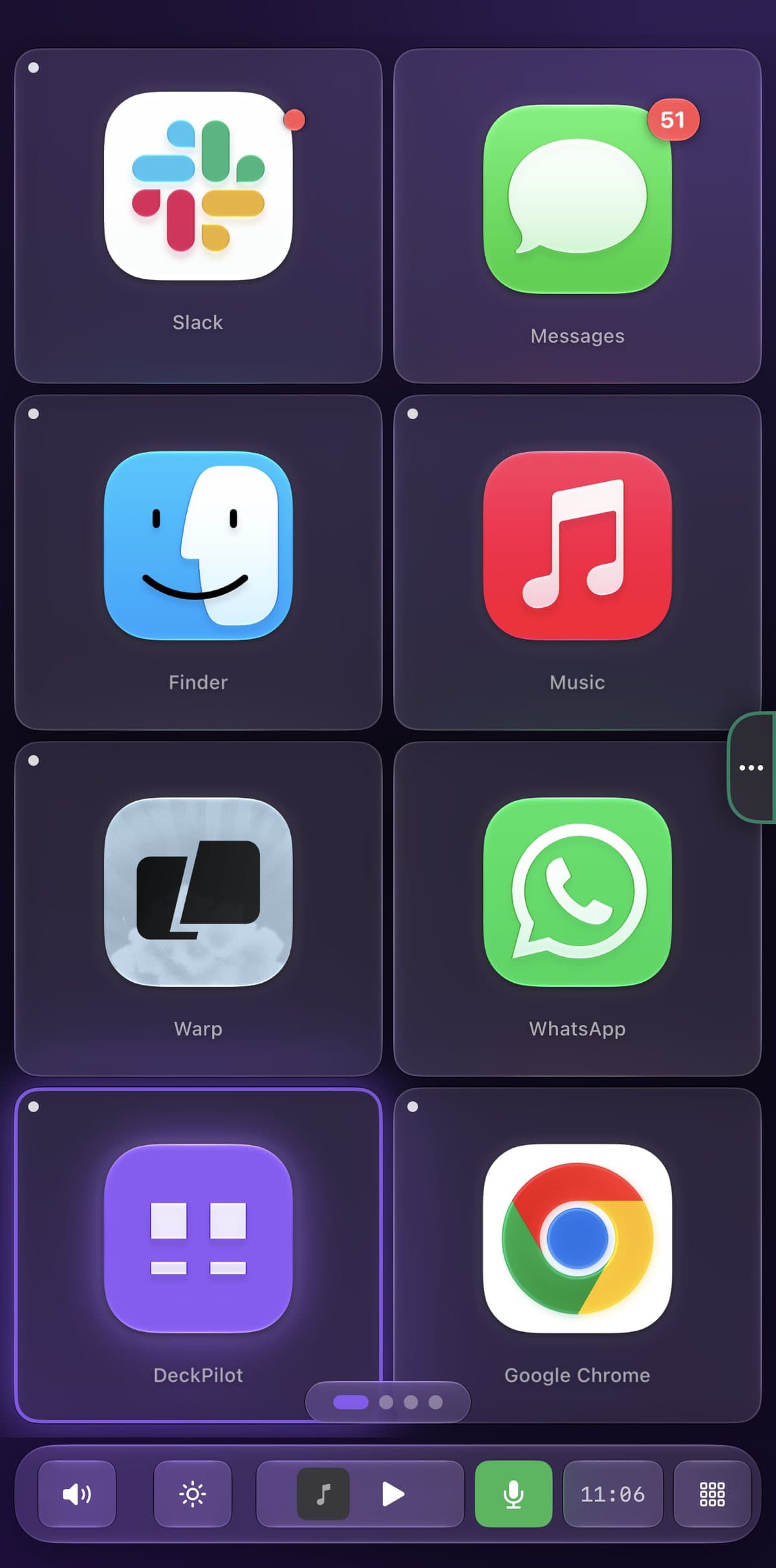
There is not an official WhatsApp shortcut pack in the Templates gallery yet. WhatsApp still shows up on a real DeckPilot iPhone deck as an app-launch button, next to Slack, Music, Warp, and Chrome.
Cursor
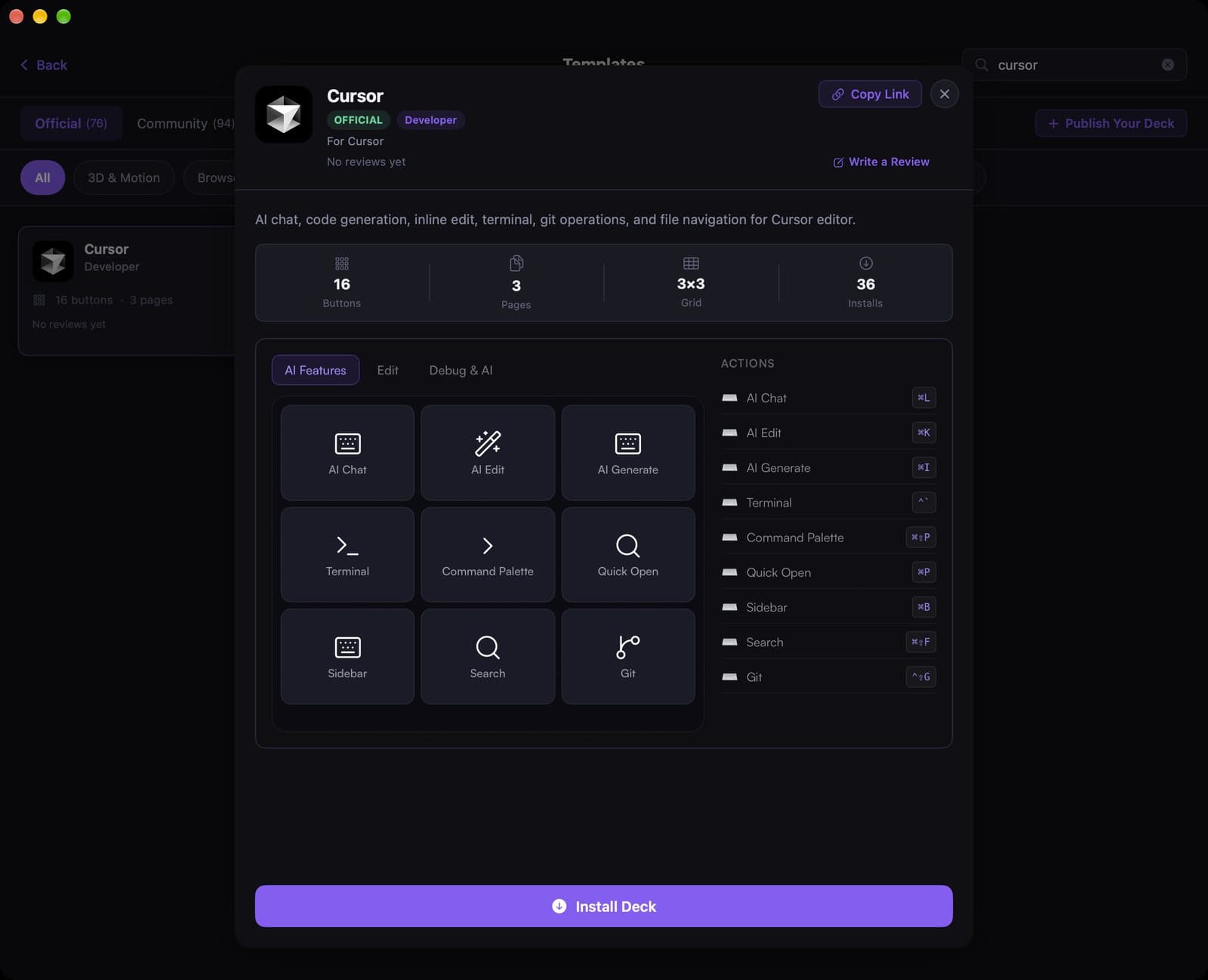
Cursor already has more shortcuts than anyone remembers. The official template puts AI chat, inline edit, generate, terminal, and git on a 16-button deck across three pages.