
Is There a Software Alternative to a Stream Deck? (Mac, 2026)
Yes. Several apps turn your iPhone, iPad, or Mac into a Stream Deck without buying hardware. Compare DeckPilot, Stream Deck Mobile, Touch Portal, PhoneDeck, and CmdPalm.
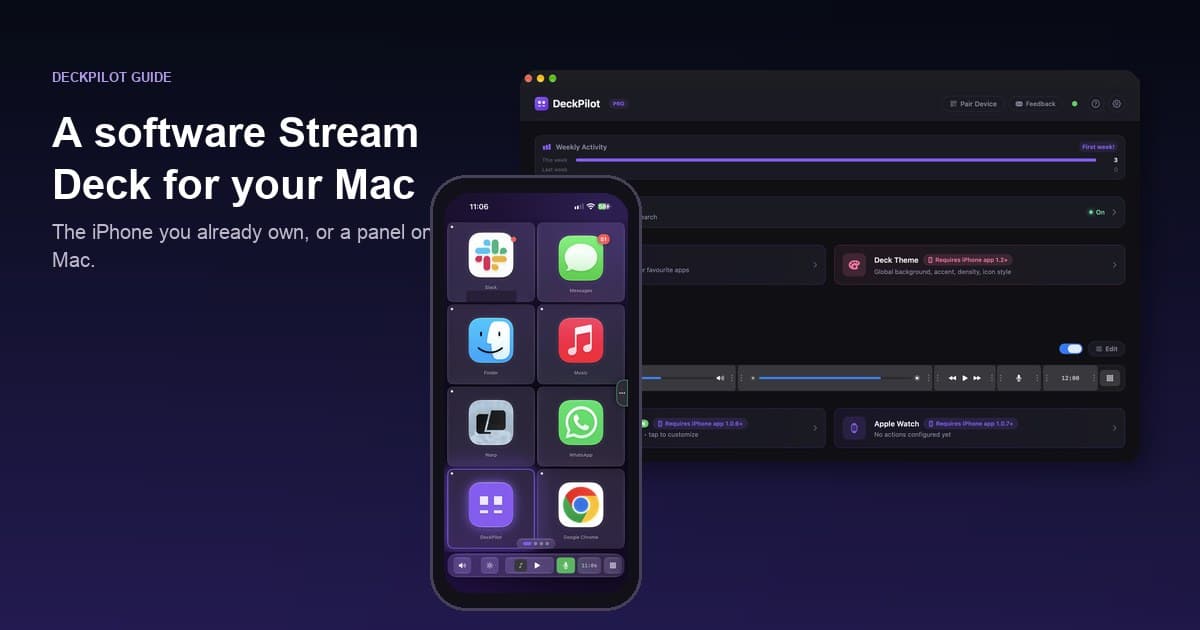
Yes. A software Stream Deck alternative runs the same kind of shortcuts, app launches, and macros from a phone, a tablet, or an on-screen panel, instead of from a USB pad of LCD keys.
You do not need Elgato hardware for that. On a Mac, several apps will do it. We make DeckPilot, one of those apps, so the notes below say where other tools fit better.
What “software alternative” means
Elgato’s Stream Deck is hardware: a row of physical keys, each with a tiny display, plugged into your computer. The software alternative keeps the button grid and drops the extra device.
That usually looks like one of these:
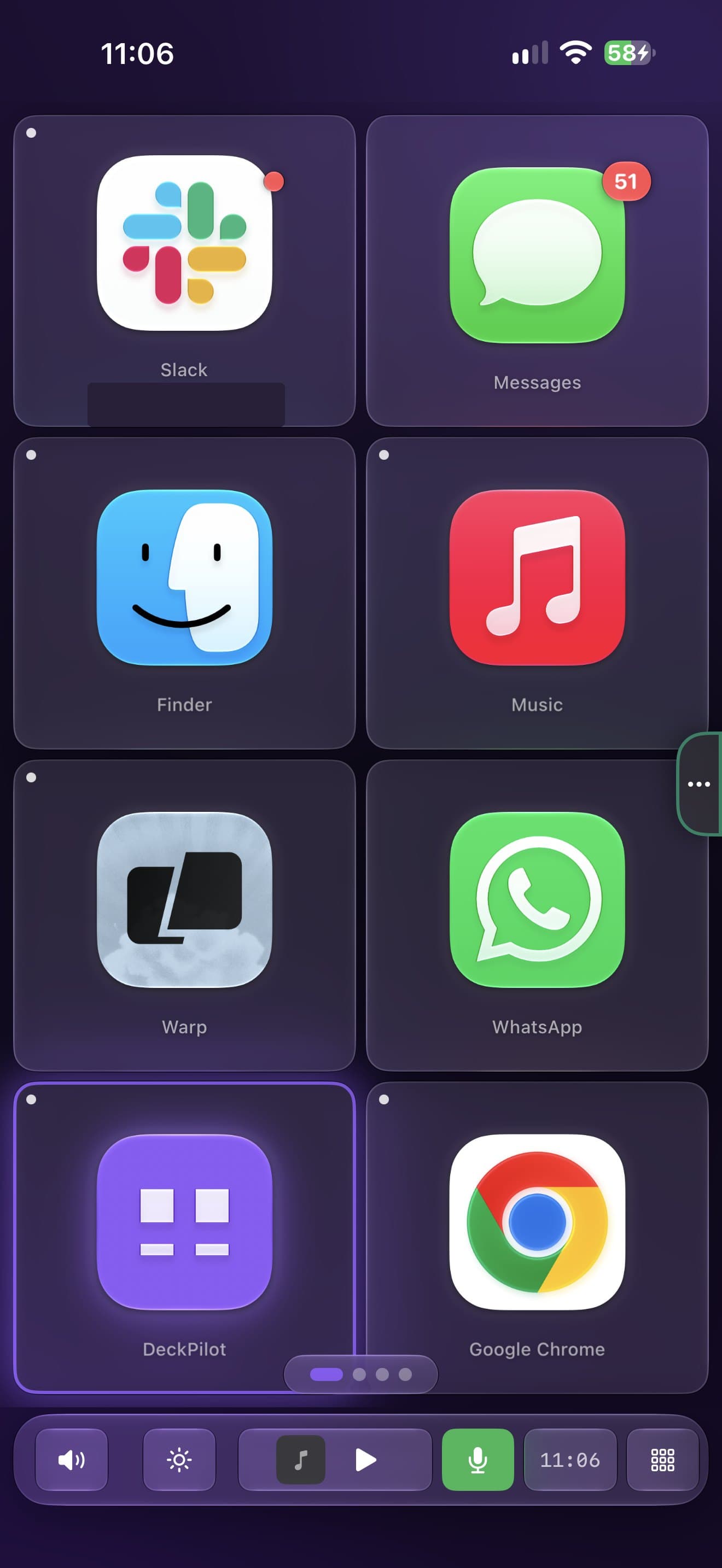
- Your iPhone or iPad becomes the deck. A Mac app listens; the mobile app (or a browser page) shows the buttons.
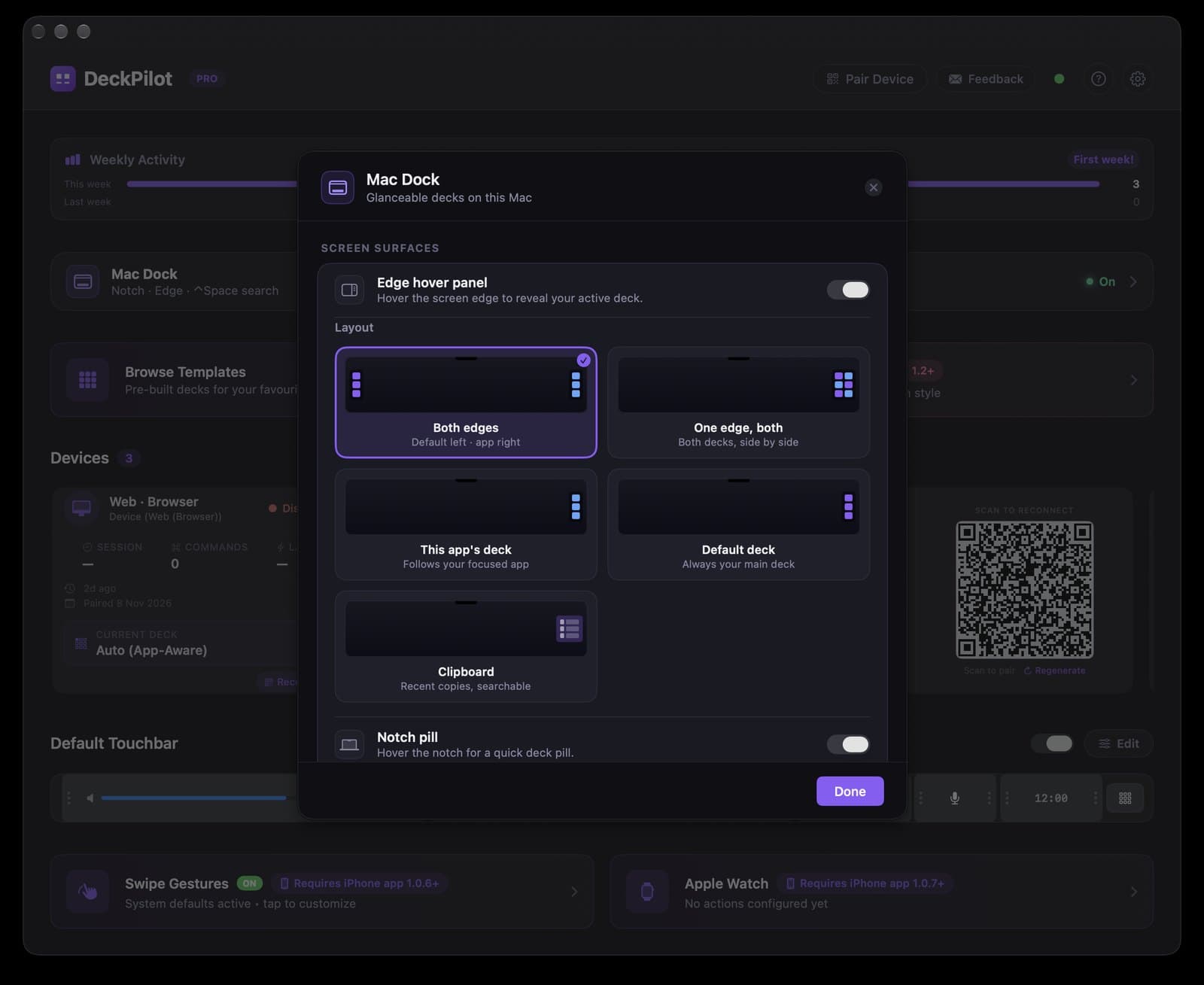
- A window or overlay on the Mac itself. Useful if you do not want another screen in your eyeline. DeckPilot can also do this from the Mac notch, an edge panel, or a command palette if the phone is not nearby.
- Vendor software driving hardware you already bought. Bitfocus Companion is the usual example. It is software, but most people still pair it with a Stream Deck.
If you specifically want a free iPhone app comparison, use the free iPhone Stream Deck apps table. If you also want hardware clones and consoles, use the 10 alternatives roundup. This page is only about skipping the pad.
Quick comparison
Free limits below were last checked against vendor pages on 31 October 2026, except DeckPilot prices, which always come from the site.
| App | What you tap | Free tier | Paid upgrade (US) | Best for |
|---|---|---|---|---|
| DeckPilot | iPhone or iPad, or Mac surfaces | 8 buttons per deck, unlimited decks | $7.99/mo, $39/yr, or $79 lifetime | Mac-only setups that want templates and app-aware decks |
| Elgato Stream Deck Mobile | iPhone, iPad, or Android | 6 keys | $2.99/mo, $24.99/yr, or $49.99 lifetime, up to 64 keys | People already in the Elgato plugin world |
| Touch Portal | Phone or tablet (iOS or Android) | 2 pages, no plugins | about $14 one-time Pro | Switching between Windows and Mac |
| PhoneDeck | iPhone | No stated button cap | None (core stays free) | A simple native app with no paywall yet |
| CmdPalm | Phone browser | No stated cap | None (open source) | Apple silicon Macs on macOS 15 that want a free browser deck |
| BetterTouchTool | Custom mobile layouts you build in BTT | n/a (paid Mac app) | about $15 Standard / $25 Lifetime | Power users who already live in BTT |
Virtual Stream Deck is another Mac/iPhone option (6 free buttons, $19.99 one-time, needs macOS 15 and iOS 18). Newer names such as PoorDeck and HangOn/Deckon exist too; treat them as early projects and check the current download page before you depend on one.
DeckPilot
DeckPilot is a native Mac app. You install a matching app on iPhone or iPad, pair over the local network or USB, and tap buttons that send shortcuts back to the Mac. The free tier is 8 buttons per deck. Pro is $7.99/month, $39/year, or $79 lifetime (US list prices; local price may vary with purchasing-power pricing.) and unlocks unlimited buttons, pages, app-aware switching, macros, and MIDI.
It ships template packs for apps like Final Cut Pro, Logic Pro, OBS, Photoshop, and VS Code, so you are not designing every key from zero. There is no Elgato plugin store.
Pick it if you are on Mac and you already own an iPhone or iPad. Skip it if you need Android, Windows, or a physical key you can hit without looking.
Stream Deck Mobile
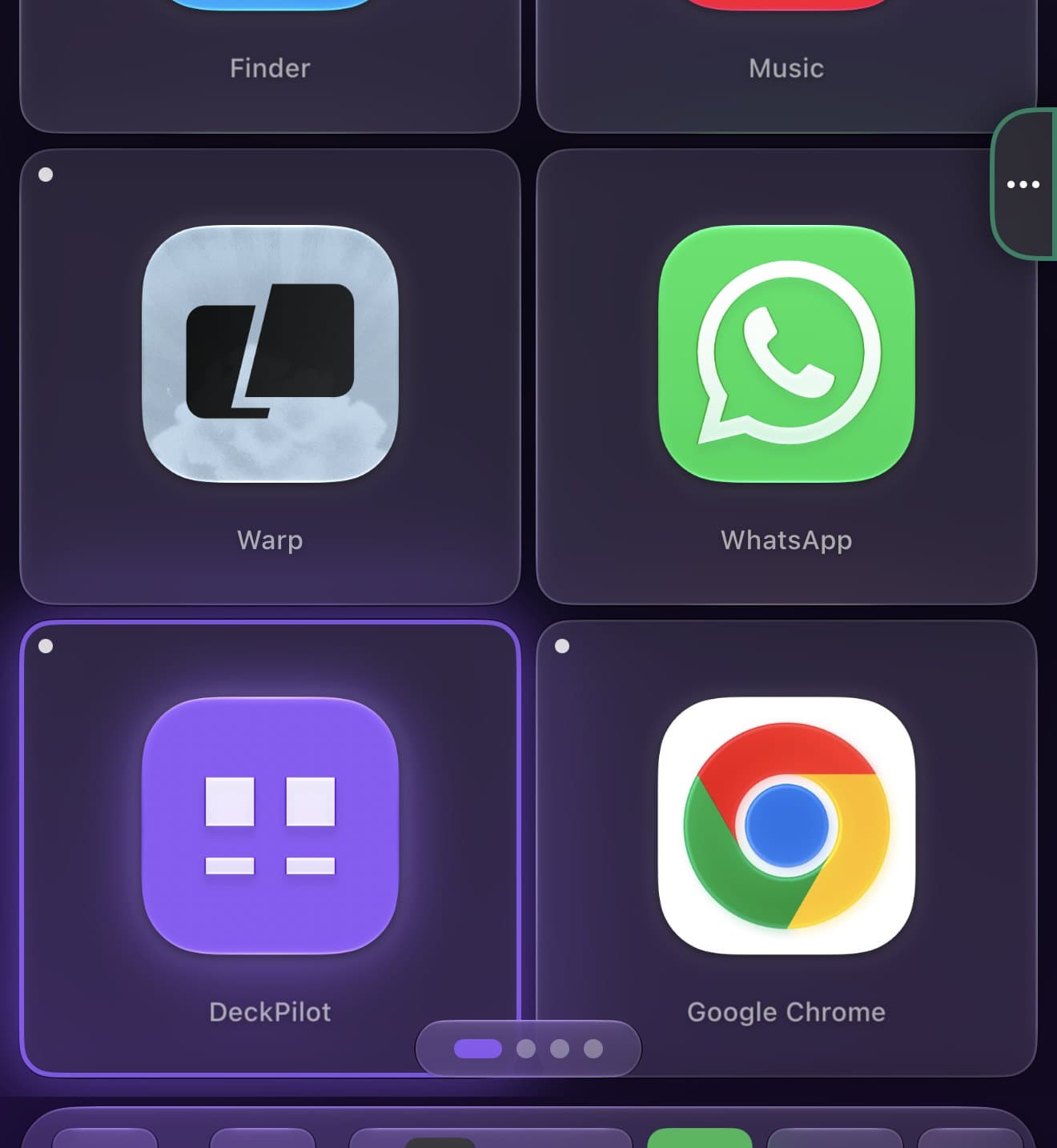
This is Elgato’s official app. It talks to the Stream Deck software on your Mac and can use the same plugins as the hardware, which matters if you already drive OBS, lights, or other Elgato integrations from a physical deck.
The free tier is 6 keys. Pro goes to 64 keys. You still need Elgato’s desktop app running. It is a companion more than a replacement if you do not already own that ecosystem.
Side-by-side: DeckPilot vs Stream Deck Mobile.
Touch Portal
Touch Portal runs on Mac, Windows, iPhone, and Android. That cross-platform span is the reason to pick it. The Mac side works; it does not feel like a Mac-first app. The free tier stops at 2 pages and leaves plugins out until you pay.
Side-by-side: DeckPilot vs Touch Portal.
PhoneDeck and CmdPalm
Both are free ways to put buttons on an iPhone for a Mac.
PhoneDeck is a native pair of apps on macOS 14 and iOS 17, with unlimited pages and no subscription listed for the core features. The project is newer and smaller; check that the actions you need exist.
CmdPalm is open source and runs the controls in your phone’s browser. Nothing to install on the phone. It needs an Apple silicon Mac on macOS 15, and a browser tab is easier to lose than an app.
If you want a lot of buttons and you never want to pay, one of these two may beat DeckPilot’s free cap. If you want per-app decks and templates, start with DeckPilot anyway.
BetterTouchTool
BetterTouchTool is a Mac automation tool, not a deck app. A license includes BTT Mobile, and you can build custom button grids as Floating Menus inside BTT. That is powerful if you already configure BTT for gestures and window management. It is slower to get a labeled deck working than installing a template.
Standard is about $15 and Lifetime about $25 (checked 8 November 2026 on folivora.ai; the exact figure depends on country and tax). DeckPilot vs BetterTouchTool covers the split: BTT for gestures, DeckPilot for a ready-made deck.
When hardware is still the right buy
Software loses when you need:
- Keys you can press without looking, every day
- A connection that is just a USB cable, not Wi-Fi
- Elgato’s hardware plugin shelf for streaming tools
- A real dial or jog wheel for scrubbing and grading
In those cases buy the pad, or pair a cheap jog wheel with a software deck. The Stream Deck vs iPhone app guide has a short test and a cost table. Video editors who also need a jog wheel should read the Final Cut controller guide.
Frequently asked questions
Is there a software alternative to a Stream Deck? Yes. DeckPilot, Stream Deck Mobile, Touch Portal, PhoneDeck, and CmdPalm all give you a button grid without buying Elgato hardware. On a Mac, DeckPilot is free for 8 buttons per deck and uses the iPhone or iPad you already own.
Is there a free software Stream Deck alternative? Yes. DeckPilot’s free tier is 8 buttons per deck with unlimited decks. Stream Deck Mobile gives 6 free keys. PhoneDeck and CmdPalm do not state a button cap. Touch Portal’s free tier is 2 pages without plugins.
What is a virtual Stream Deck? People use “virtual” for any on-screen deck: a phone app, a browser page, or a window on the Mac. There is also a product named Virtual Stream Deck. The idea is the same: software buttons, no extra keypad.
Does a software deck work without internet? DeckPilot talks to your Mac over local Wi-Fi or USB. You do not need an internet connection for the buttons to fire once both apps are installed. Other apps vary; check whether they use a vendor cloud or only your network.
Can software replace Stream Deck plugins? Sometimes. A software deck can send the same keyboard shortcuts those plugins wrap. It will not always expose a dedicated plugin UI (scene thumbnails, lighting sliders, and so on). If a specific Elgato plugin is the reason you want a Stream Deck, start with Stream Deck Mobile or the hardware.
How much is DeckPilot Pro? $7.99/month, $39/year, or $79 lifetime (US list prices; local price may vary with purchasing-power pricing.) The free tier stays 8 buttons per deck.