
App decks / Apple Music
Apple Music controls on your iPhone
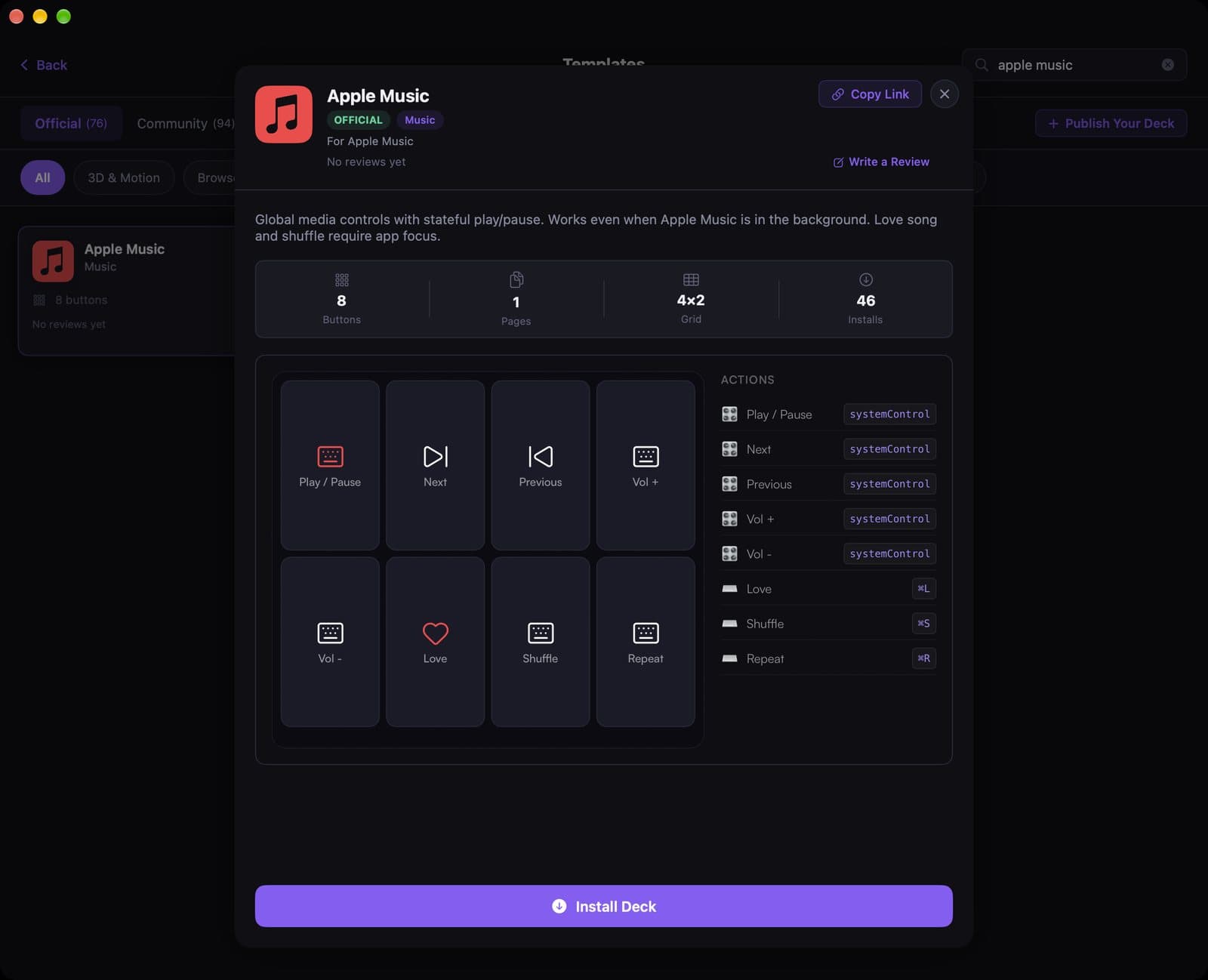
The official Apple Music template is eight media buttons. Play and skip keep working even when Music is in the background; Love and Shuffle need the app focused.
See the template
A 12-second recording of this pack in the live DeckPilot Mac app. It plays silently; use the controls if you want to pause or scrub.
Play, pause, next, previous, and volume use system media controls. Love (⌘L), Shuffle (⌘S), and Repeat (⌘R) fire the matching Music shortcuts.
Search Apple Music under Templates after you pair your devices, then tap Install Deck. It is a good first deck if you just want to try eight buttons on the free tier.
What's on the deck
- Play / Pausesystem media
- Nextsystem media
- Previoussystem media
- Vol + / Vol −system media
- Love⌘L
- Shuffle⌘S
- Repeat⌘R
Related guides
- DeckPilot for music producers
- Stream Deck setups for Ableton Live
- Stream Deck setups for Logic Pro
- Create a deck for an app