
App decks / Slack
Slack shortcuts on your iPhone
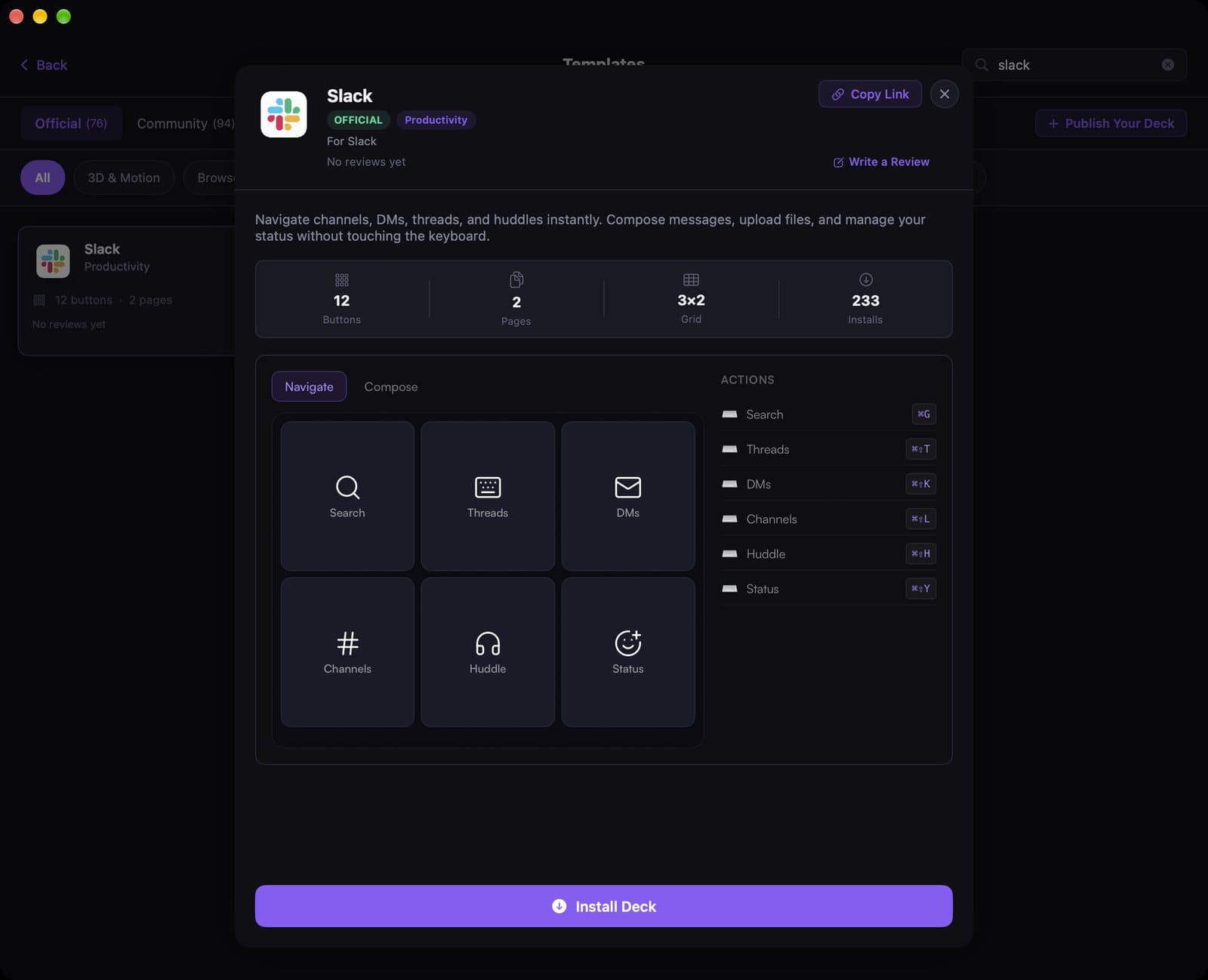
The official Slack template is for the moments you should not be tabbing through the sidebar during a huddle: search, threads, DMs, channels, and status, one tap each.
See the template
A 12-second recording of this pack in the live DeckPilot Mac app. It plays silently; use the controls if you want to pause or scrub.
The pack has 12 buttons on two pages, Navigate and Compose. The screenshot and recording below are the live template in the DeckPilot Mac app.
After you pair your iPhone, search Slack under Templates and tap Install Deck. App-Aware switching can show this deck whenever Slack is the active Mac app.
What's on the deck
- Search⌘G
- Threads⌘⇧T
- DMs⌘⇧K
- Channels⌘⇧L
- Huddle⌘⇧H
- Status⌘⇧Y
Related guides
- Stream Deck setups for software engineers
- Create a deck for an app
- Set up keyboard shortcuts
- Turn your iPhone into a Stream Deck