
App decks / Google Chrome
Chrome shortcuts on your iPhone
The official Chrome template puts tab and window controls on a phone-sized deck, so you can stay in the page instead of hunting for ⌘T and ⌘⇧N.
See the template
A 12-second recording of this pack in the live DeckPilot Mac app. It plays silently; use the controls if you want to pause or scrub.
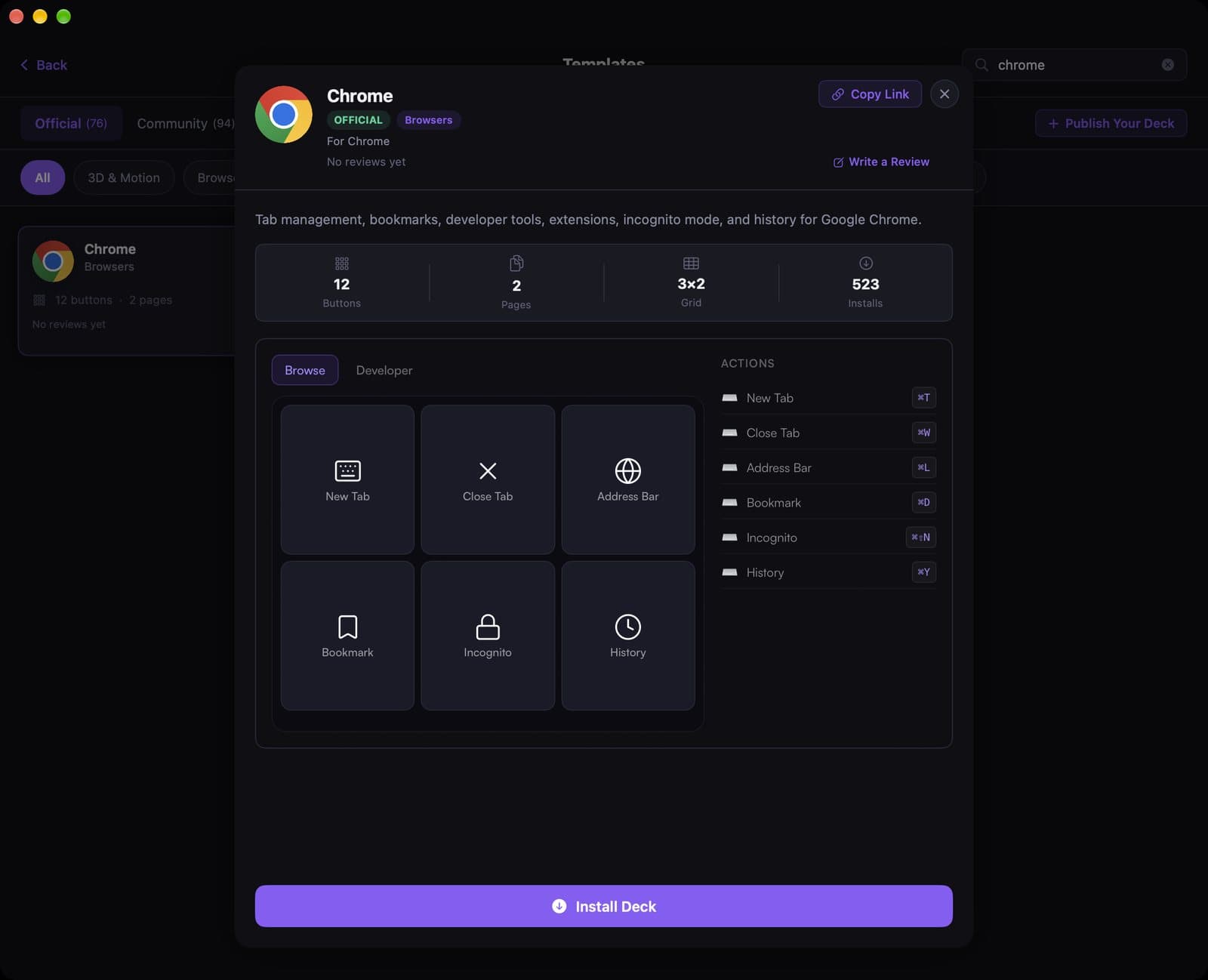
The pack has 12 buttons on two pages: Browse (tabs, address bar, bookmarks, Incognito, history) and Developer. What you see below is the live template in the DeckPilot Mac app, not a mockup.
Install DeckPilot on your Mac and iPhone, pair them, then search Chrome under Templates and tap Install Deck. If you turn on App-Aware switching, this deck can appear whenever Chrome is frontmost.
What's on the deck
- New Tab⌘T
- Close Tab⌘W
- Address Bar⌘L
- Bookmark⌘D
- Incognito⌘⇧N
- History⌘Y
Related guides
- Stream Deck setups for software engineers
- Set up keyboard shortcuts
- Create a deck for an app
- Use App-Aware switching