
App decks / WhatsApp
Open WhatsApp from your iPhone deck
There is not an official WhatsApp shortcut pack in the Templates gallery yet. WhatsApp still shows up on a real DeckPilot iPhone deck as an app-launch button, next to Slack, Music, Warp, and Chrome.
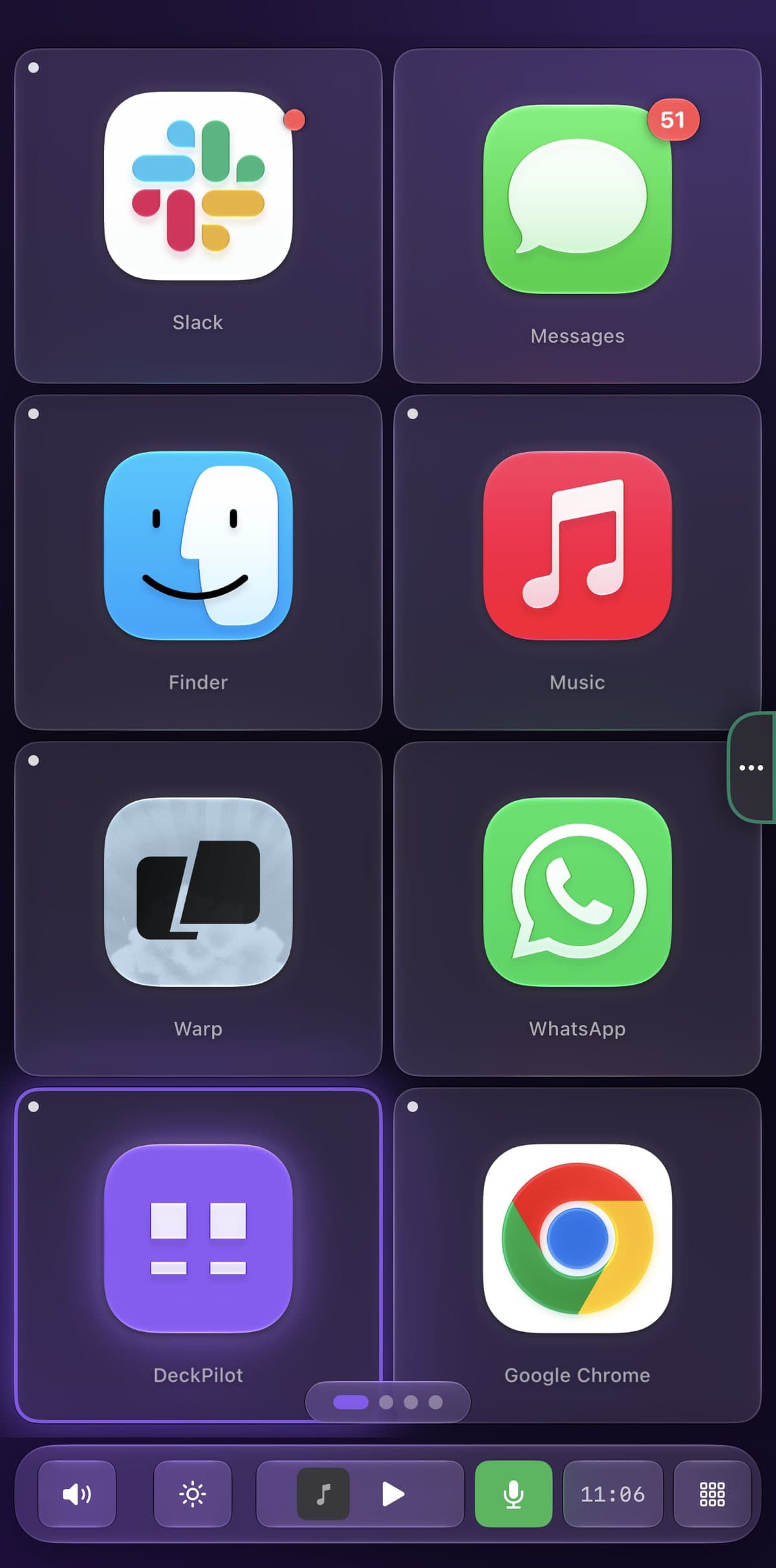
The screenshot below is a live Recent Apps grid captured from an iPhone running DeckPilot. Tap WhatsApp and the Mac app comes forward. That is the same app-aware deck that swaps buttons when you change focus.
If you want more than a launch button — jump to a chat, mute, or search — add those yourself as keyboard shortcuts. The create-button and keyboard-shortcut guides cover the steps.
A dedicated WhatsApp template recording will land when a gallery pack exists, and a phone-side recording of the WhatsApp button can be added once the iPhone is unlocked.
What's on the deck
- WhatsAppOpen app
Related guides
- Send your first command
- Create a custom button
- Create a deck for an app
- Turn your iPhone into a Stream Deck